Business galleries work like any other, with wording for your event: attendees instead of guests, an agenda instead of a schedule, and registration instead of RSVPs.
- Create an event and choose your type of event: conference, awards night, product launch, staff party or fundraiser.
- Add your company’s logo under Settings → Look. It appears on the event, the slideshow and the QR cards.
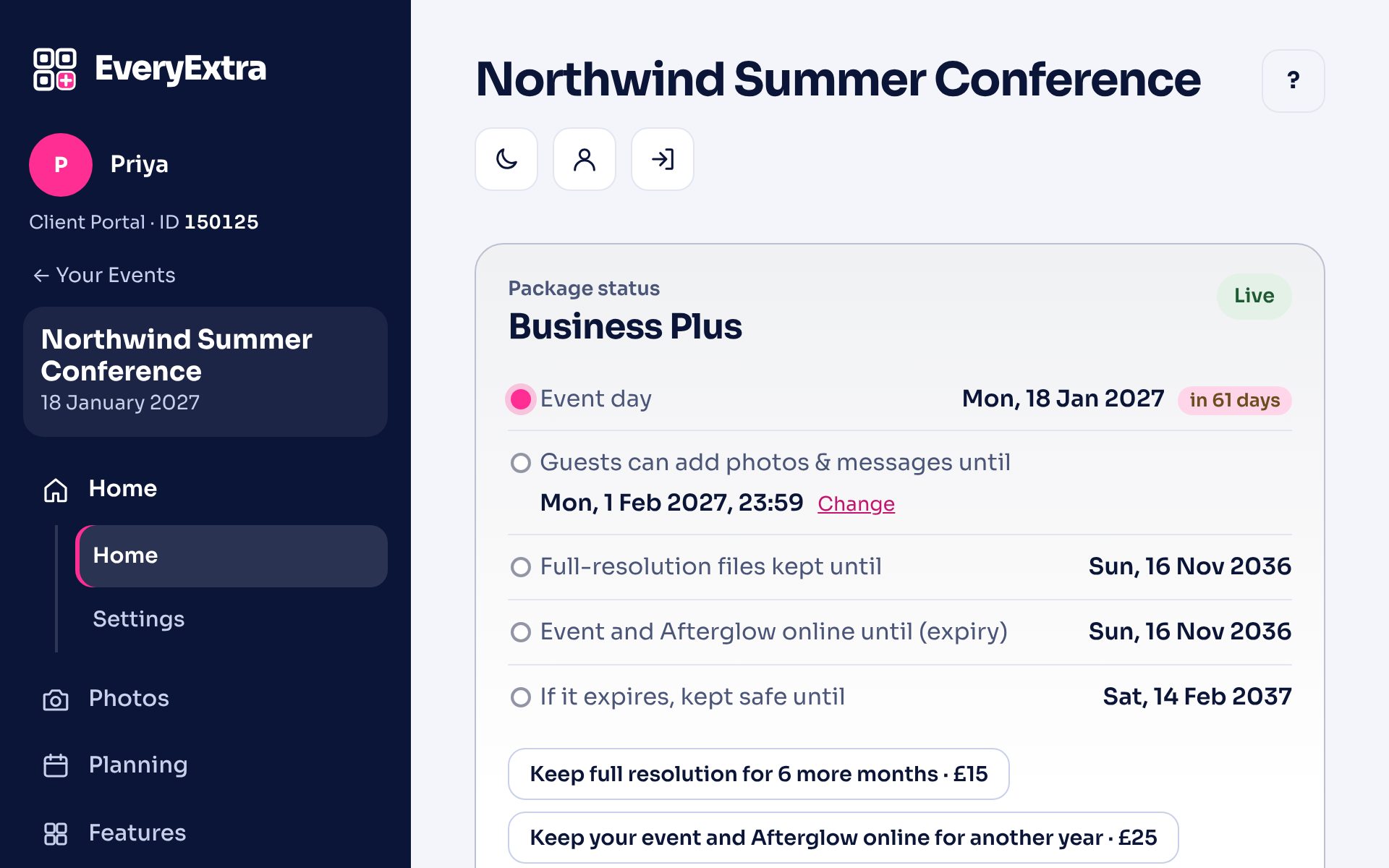
- Choose a business package. You can pay by card, or by invoice if your organisation is set up for it.
- Print your QR cards and signs, and put the link in your joining instructions.
What Attendees See
Your company name and logo, a welcome message and an Add photos button. No app and no account.
Updated Thu, 19 Nov 2026 ·