An organisation keeps your company’s events, colleagues and invoices in one place, so everyone on your team can help run them.
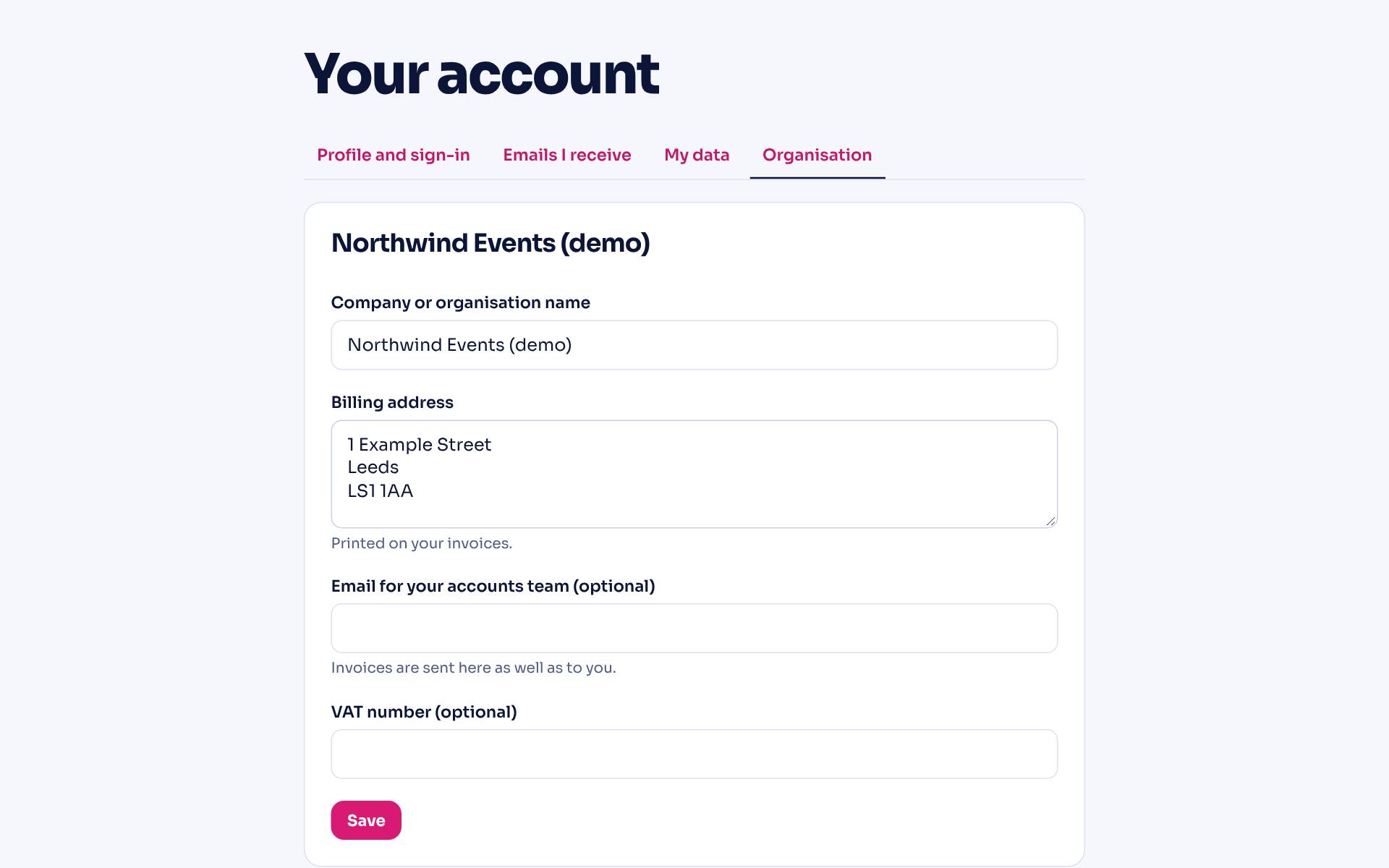
- Go to Account → Organisation and enter your company name and billing address.
- Under Colleagues, add each person’s email. We email them to let them know. They can run any of your organisation’s events.
- Under Events, add the events that belong to the company.
- Every invoice for those events is listed under Invoices, for anyone in the organisation to download.
If Something Isn’t Right
- A colleague can’t see an event. Check the event is listed under Events, and that they signed in with the email you added.
- Someone has left. Remove them under Colleagues. Only the organisation’s owner can do this.
Updated Thu, 19 Nov 2026 ·