Business events
Staff Party Photo Sharing, Kept In One Private Place.
Everyone takes photos at the staff party and nobody sees more than a few. Staff party photo sharing with a QR code on the tables gathers them all, without anyone posting a colleague online.
Pay once per event by card or invoice, or subscribe if you run events all year.

How Staff Parties Use It
Private By Design
Only people with the link can open the gallery. Add a PIN and share it on the night.
Someone Checks First
Approve photos before they appear, so nothing awkward reaches the screen.
Photo Challenges
“The best dance move”, “Someone from another team”. Good for mixing departments.
A Slideshow For The Room
Put the gallery on a screen and let it run all evening.
Easy To Take Down
Anyone can ask for a photo of themselves to be removed, and you can remove anything in a tap.
New for business events
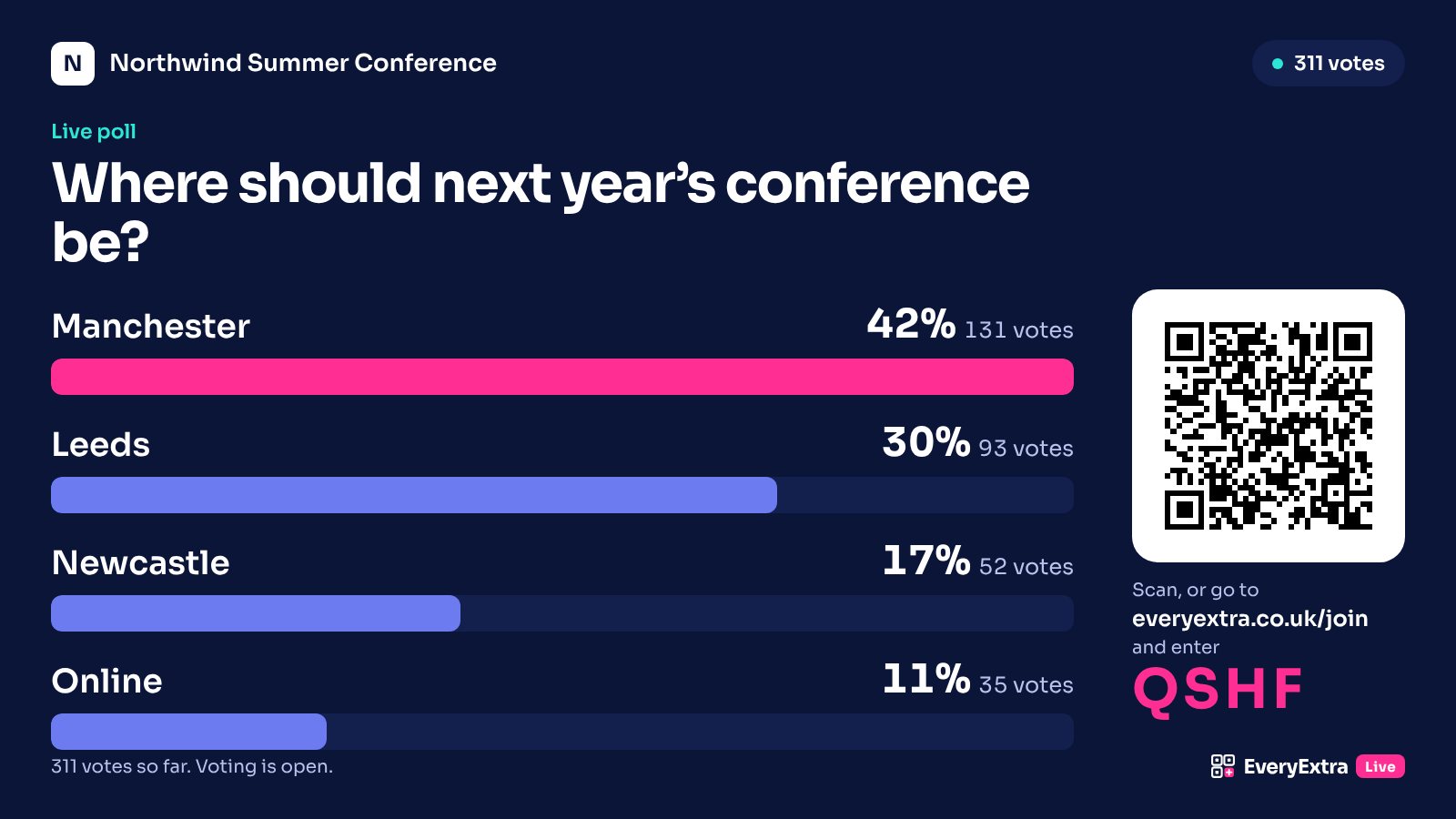
EveryExtra LIVE: Q&A, Polls And Quizzes From Every Seat
Attendees ask questions, vote and play along from their phones. Your presenter sees it all on a private link, and the results build live on the big screen. It comes with the same QR code as your photo gallery.
On The Day, And The Highlights After
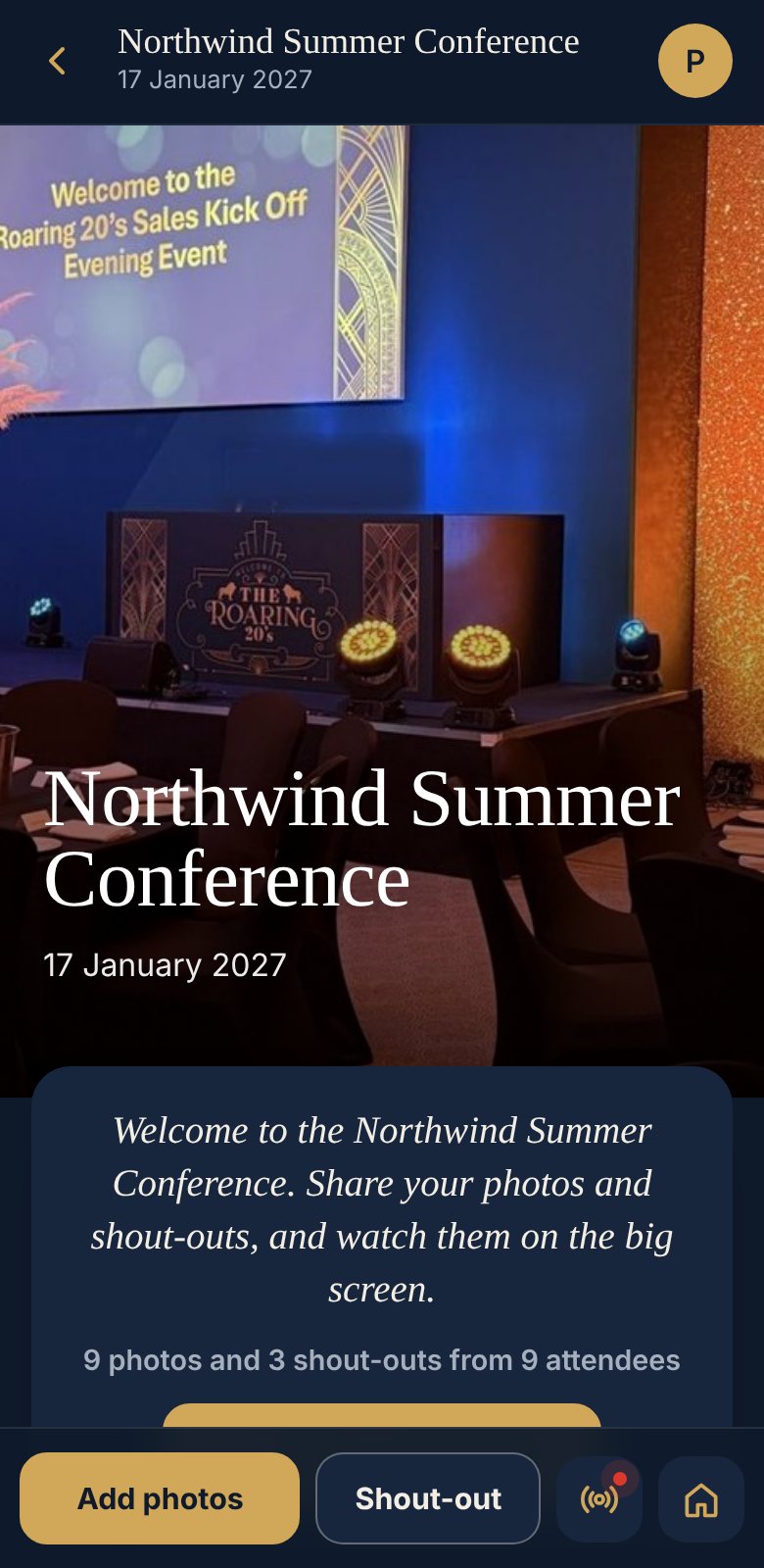
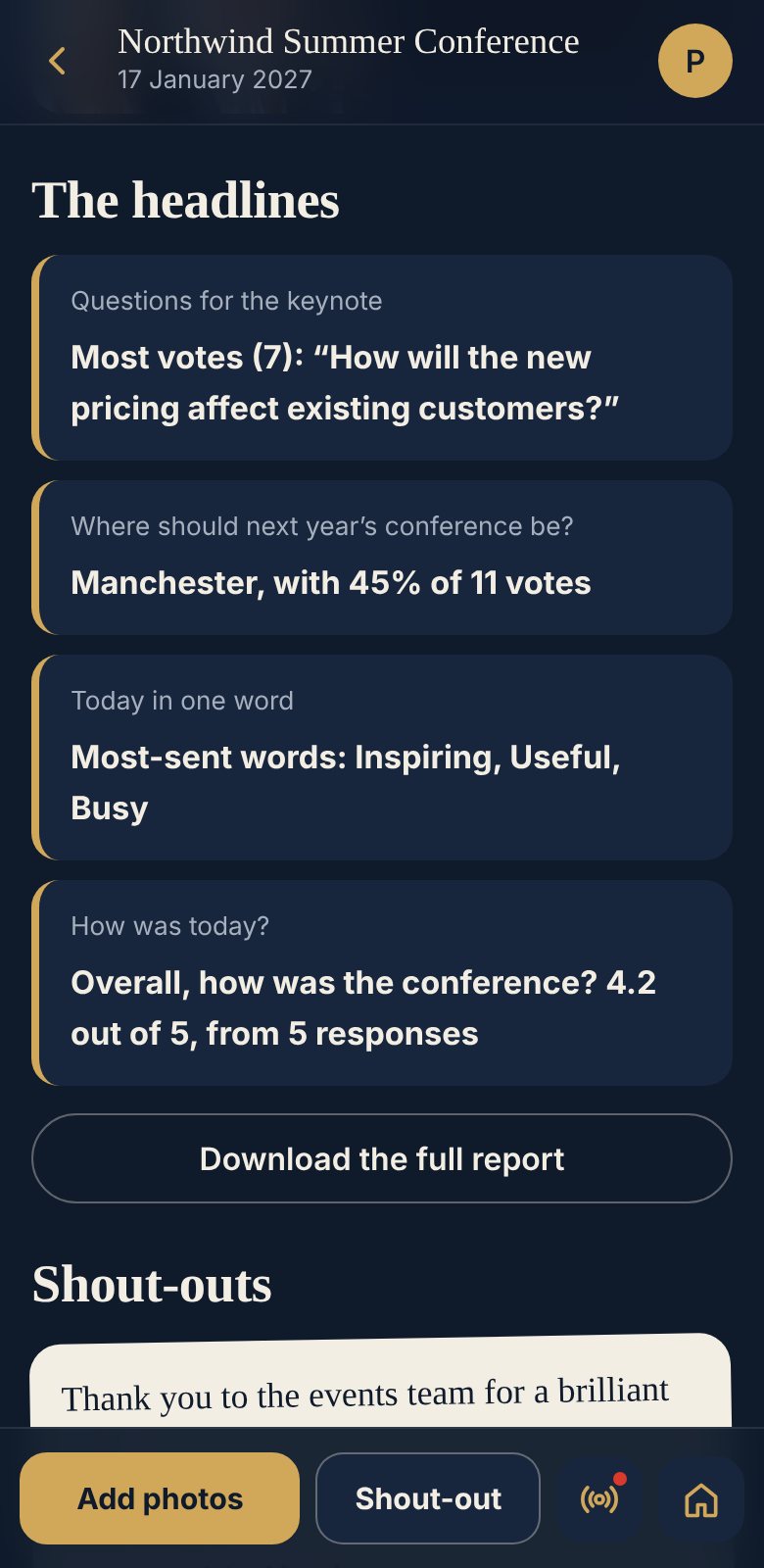
Every attendee’s photos and shout-outs land in one feed, sorted into the parts of your agenda. The day after, it becomes your Afterglow: the highlights, the headlines from your polls and Q&A, and a report to take back to the office.
Three Steps
Create Your Event
Choose Christmas or staff party, add a PIN and set photos to be approved first.
Cards On The Tables
Print the QR code cards, or put the code in the invitation.
Share It On Monday
Send the gallery link round, and download the best for the newsletter.
What It Uses
Every feature shares the same link and the same guest list.
Photo & Video Sharing
Wedding photo & video sharing that starts with the QR code on each table.
EveryExtra LIVE
EveryExtra LIVE gives your business event live Q&A, polls and quizzes in the same gallery your attendees already scan for photos.
Afterglow: The Story Of Your Day
Afterglow turns every photo, video and message your guests shared into a keepsake you’ll come back to: a highlight reel, your day hour by hour, the guestbook and the photos everyone loved most.
Live Slideshow
Put the live wedding photo slideshow on the venue screen or projector.
Guides
50 Photo Challenge Ideas For Weddings And Parties
Fifty photo challenge ideas for weddings, birthdays and staff parties, sorted by type, with tips on how many to set and how to get guests joining in.
Read the guideHow To Run A Live Photo Slideshow At Your Venue
How to run a live photo slideshow at your venue: the kit you need, how to connect it, where to put the screen, and how to keep unsuitable photos off it.
Read the guideQuestions
Is it suitable for a workplace?
Yes. The event is private, photos can be approved first, and anyone can ask for a photo of themselves to be removed.
How long does it stay online?
For the time in your package, shown in your account. You can download everything first.
Can we run one every year?
Yes. Set up an organisation and each year’s party sits alongside the last, with your colleagues already added.
A Party Everyone Remembers
Staff parties are where teams who never sit together finally meet. Photos from the night are part of what makes it feel like a thank-you rather than an obligation, and they keep the good feeling going on Monday morning. A shared gallery means everyone sees the photos, not just the people in the right group chat.
Things To Add
- A live slideshow on the screen by the bar
- Photo challenges to mix the teams: “Someone from a team you’ve never worked with”
- A live quiz between courses, table against table
- Spin the wheel for the raffle prizes
- Messages for colleagues who couldn’t make it
Keeping It Appropriate
It’s a work event, and some photos are better kept off the big screen. Switch on approval and a colleague can check each photo from their phone before it appears. Anything you hide disappears at once, and private albums keep the shots that are just for the organising team.
Getting Everyone To Join In
The more people who scan the code, the better your gallery. Put it where people already look: on tables, on screens and on anything they’ll hold in their hands. Ask your host to mention it once, early on, and again before the evening part of the event. Show the live slideshow somewhere people gather, because nothing gets people sharing like seeing a colleague’s photo appear on the screen. A photo challenge or a quick poll gives the quieter attendees a reason to take part too.
How Booking Works
Tell us about your event on the quote form: the date, the kind of event, roughly how many people and anything you’d like to include. We reply with a price, usually within one working day. Pay once for the event by card or by invoice, or subscribe if you run events all year round. Once it’s booked, your event is ready to set up straight away, and you can add your logo, your albums and your EveryExtra LIVE activities whenever suits you.
Your Data, Handled Properly
Everything your attendees share stays in your event’s private gallery. It isn’t posted anywhere, and it isn’t used for anything else. If you collect contact details, people opt in with clear wording, and you download the list as a spreadsheet. When your event closes, its photos, videos, messages and EveryExtra LIVE results are deleted with it, so you’re never left holding data you no longer need.
Remote And Hybrid Teams
If part of your team works remotely, the party may be one of the few times they’re all in one room. Photos help everyone put faces to names, and colleagues who couldn’t travel can follow along in the gallery and leave a message for the team on the night.
Ready For Your Next Event?
Tell us about it and we’ll reply with a price, usually within one working day.
Rather be shown round? Book a 30-minute demo with Wayne, the founder.