EveryExtra LIVE
A Live Quiz The Whole Room Can Play.
In a live quiz, questions appear on the big screen, attendees answer on their phones against the clock, and the leaderboard updates after every question. Faster right answers score more.
Included with business event packages. No app for attendees.
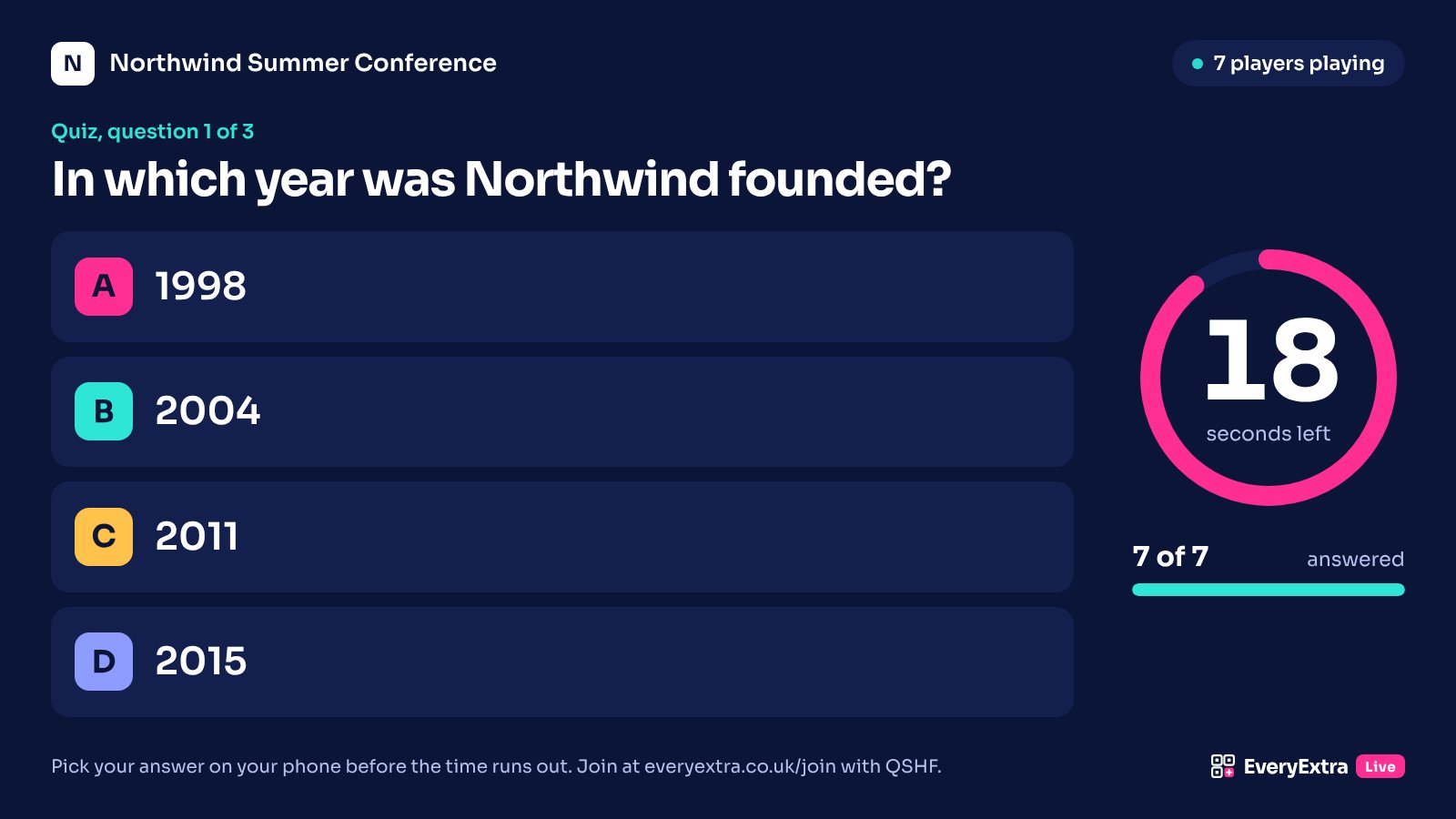
The big screen during a quiz question, with four answers and a countdown. A real screen from the business demo.
Who Sees What
Attendees
Enter a name, then tap an answer before the timer runs out. They see if they were right and where they stand.
You Or Your Host
Start the quiz, show each answer and move on, from your dashboard or the presenter link.
The Big Screen
The question, four coloured answers and a countdown. Then the right answer, the leaderboard and, at the end, the winners’ podium.
More Of What The Room Sees
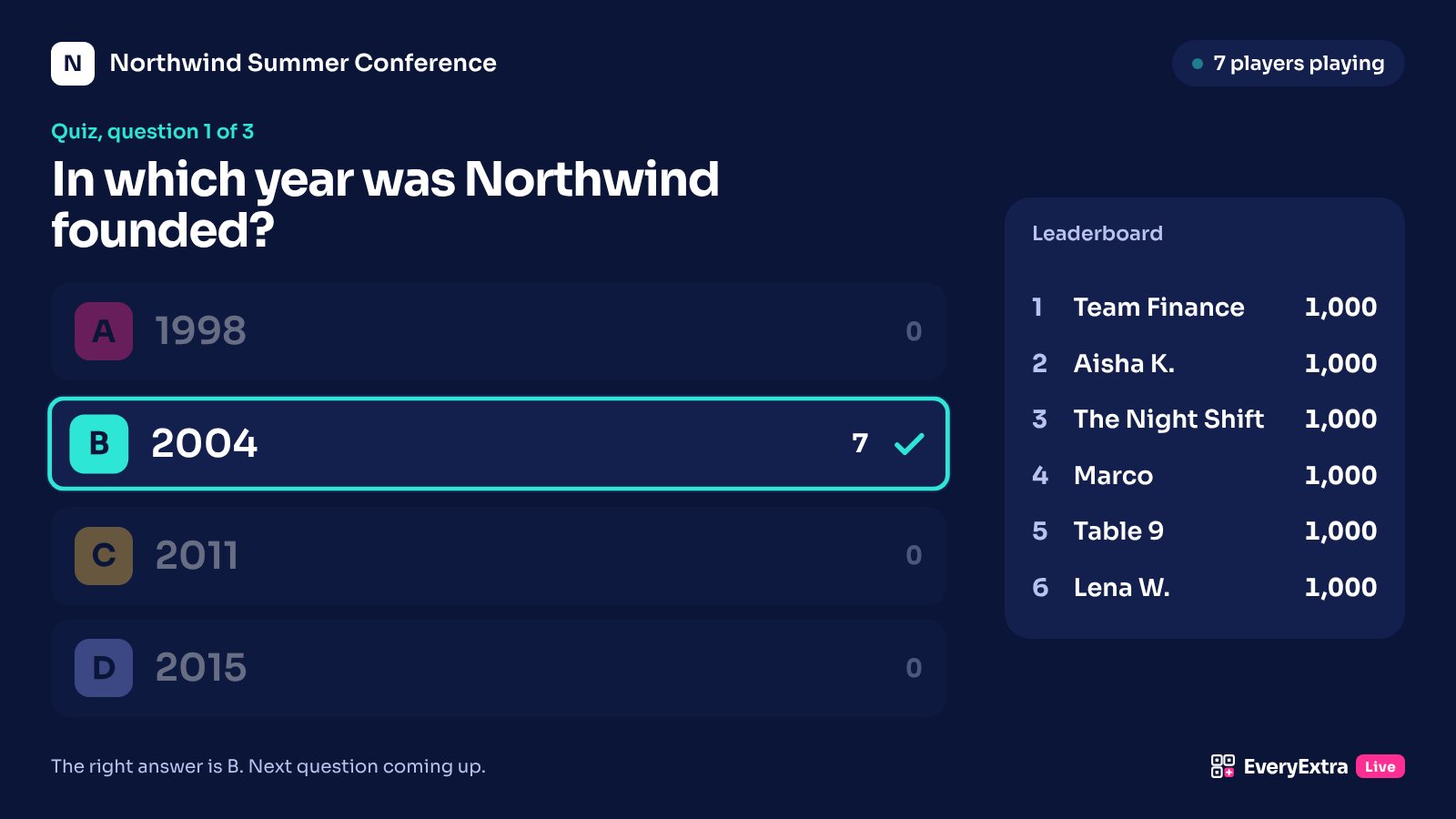
The right answer lit up, with the leaderboard beside it
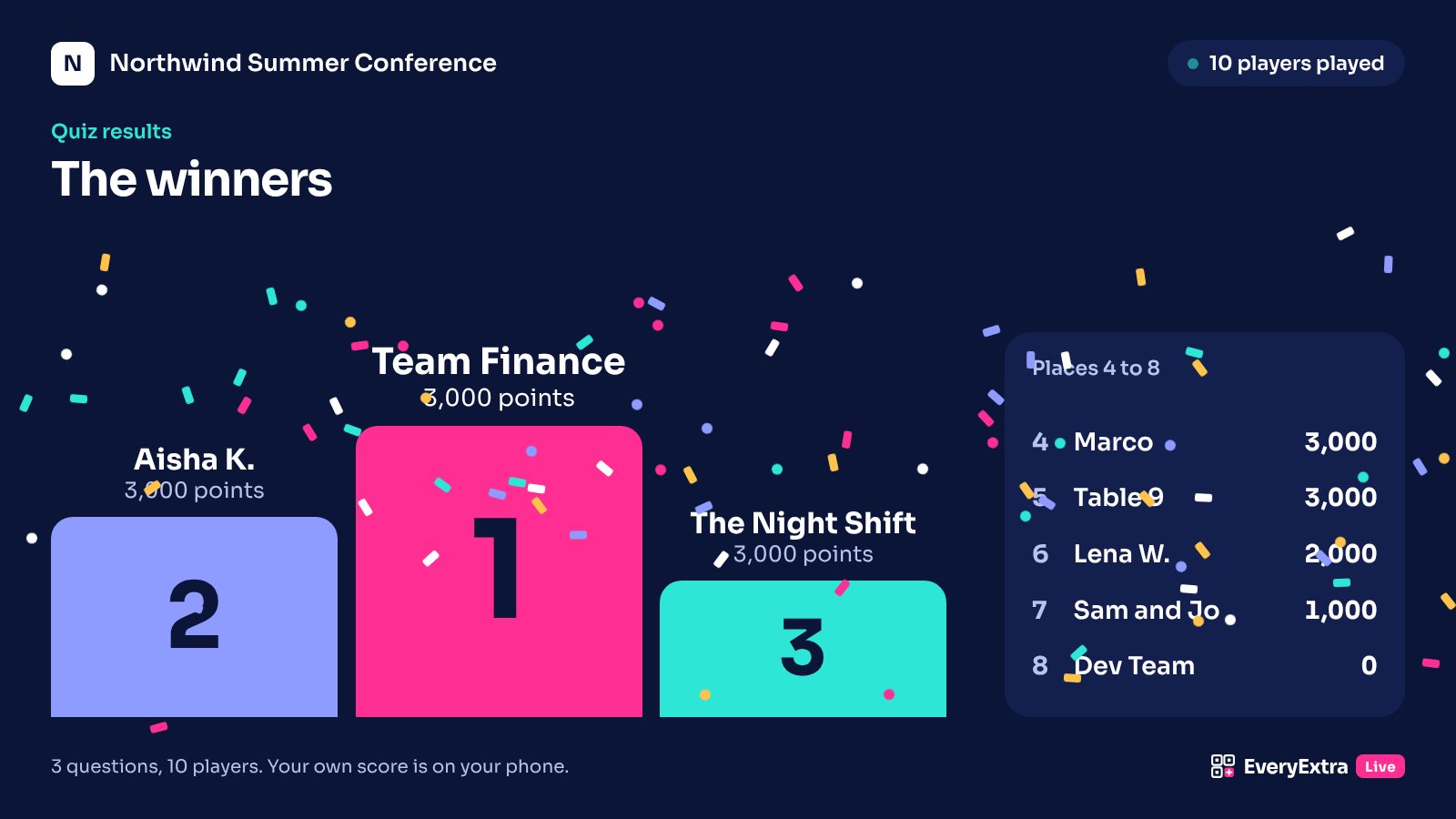
The winners’ podium at the end of the quiz
Set It Up In Three Steps
Write Your Questions
Add them in advance, with the right answer and a time limit for each.
Press Start
The first question goes to the screen and every phone at once.
Crown The Winner
After the last question, the podium appears on the big screen.
Your Choices
Your Own Questions
Two to four answers each, with the time allowed for each question.
Photos And Videos
Add a picture or a clip to any question: “Whose desk is this?”
Points For Speed
A right answer scores 500, plus up to 500 more for answering quickly. Or switch to a flat score.
Run It Again
Clear the scores after a rehearsal and start fresh on the night.
Play In Teams
Each person chooses their team, or their table, and the leaderboard adds up each team’s points. Made for dinners and awards nights.
Paste Your Questions In
Paste a list from a spreadsheet: the question, the right answer and the wrong ones. The answers are shuffled for you.
A Prize Draw To Finish
Pick a winner at random from everyone who took part, with a drum roll on the big screen.
Good For
- Christmas and staff parties
- Awards nights, between courses
- Conference socials
- Product training that people remember
Your Questions Answered
Do players need to sign up?
No. They scan the code, type a name and play.
Can teams play?
Yes. A table can play on one phone under a team name.
Can tables play as teams?
Yes. Switch on Play in teams and give each table a name. Everyone answers on their own phone and the points add up for their team.
More Of EveryExtra LIVE
Every activity runs from the same QR code, presenter link and big screen.
Live Q&A
Attendees ask and upvote questions. Your speaker sees the best ones first.
See how it worksLive Polls
Ask the room anything and watch the results build on screen.
See how it worksWord Clouds
One word from everyone becomes a picture of the room.
See how it worksIdeas Board
Collect ideas from everyone, then let the room vote the best to the top.
See how it worksSurveys
Feedback before people leave, with live charts and a report.
See how it worksSpin The Wheel
A wheel of names, prizes or outcomes that spins on the big screen and every phone.
See how it worksAwards
Present every award on the big screen, with each winner on everyone’s phone.
See how it worksAll Of EveryExtra LIVE
How every activity, the presenter link and the big screen work together.
See the overviewWhy A Live Quiz
Nothing gets a room going like a bit of competition. A live quiz turns a dinner, an awards night or a training session into a game, with every person playing on their own phone and the leaderboard on the big screen. People cheer, groan and accuse each other of cheating. It’s the most fun most attendees will have at a work event all year.
Where It Fits
- Between courses at a dinner or awards night
- To end a training day and check what stuck
- As an ice-breaker at a conference
- At a staff party, table against table
- At a product launch, with questions about the new product
Writing Your Questions
Aim for eight to fifteen questions. Mix the easy with the hard, and add a few about your company or your team, which always get the biggest reaction. Give each question a right answer and up to three wrong ones, and the answers are shuffled on every phone. You can add a photo or a video to any question too: a baby photo of the CEO, a blurred logo, a clip from last year’s party.
With points for speed switched on, faster right answers score more, and the leaderboard after each question keeps everyone guessing right up to the end.
Setting Up The Big Screen
You don’t need special equipment. Open the big-screen link in any web browser on the laptop connected to the venue’s screen or projector, and press full screen. Your presenter uses their own private link on a laptop, tablet or phone, and the big screen follows them. Test both at the venue before people arrive, on the venue’s own wifi, and keep the laptop plugged into the mains.
Attendees join with the same QR code as your event’s photo gallery, so there’s only ever one code to show. Put it on the screen, on the tables and in the programme, and people can join in at any point in the day.
One Code, Every Activity
Every EveryExtra LIVE activity runs from the same QR code, the same presenter link and the same big screen. Open a word cloud to start the day, a Q&A for each talk, a poll or two in the afternoon, a quiz after dinner and a survey to close, and attendees never need to scan anything new. Everything they do sits on the Live tab of your event, beside the photo gallery, so people who are sharing photos are already one tap away from joining in.
Prepare as many activities as you like before the day and open each one at the right moment, or set times and let them open and close by the clock. Your report keeps every result in one place afterwards.
Included With Business Events
EveryExtra LIVE is our own business clients’ tool. It comes with the business event packages you book with us directly, alongside photo and video sharing, your logo on everything, a live slideshow and attendees’ contact details if you’d like to collect them. There are no per-attendee charges and no app for anyone to download. Ask for a quote and we’ll reply with a price, usually within one working day, or try every activity for yourself in the business demo first.
After The Event
The final leaderboard and the results of every question are in your report, so you can see which questions caught people out. If you used the quiz for training, it’s a quick measure of what people learned.
More Questions
Can we show photos in the questions?
Yes. Add a photo or a video to any question, on the big screen and on phones.
Add It To Your Next Event.
Tell us about your event and we’ll reply with a price, usually within one working day. Or try it now in the business demo.