Wedding Supplier Timings, Confirmed By Every Supplier.
Add your venue and suppliers with their email, and each gets a private page with your running order and their wedding supplier timings, with one button to confirm. You see who has confirmed, and messages from all of them land in one place.
Free to set up · Pay when you go live
What It Does
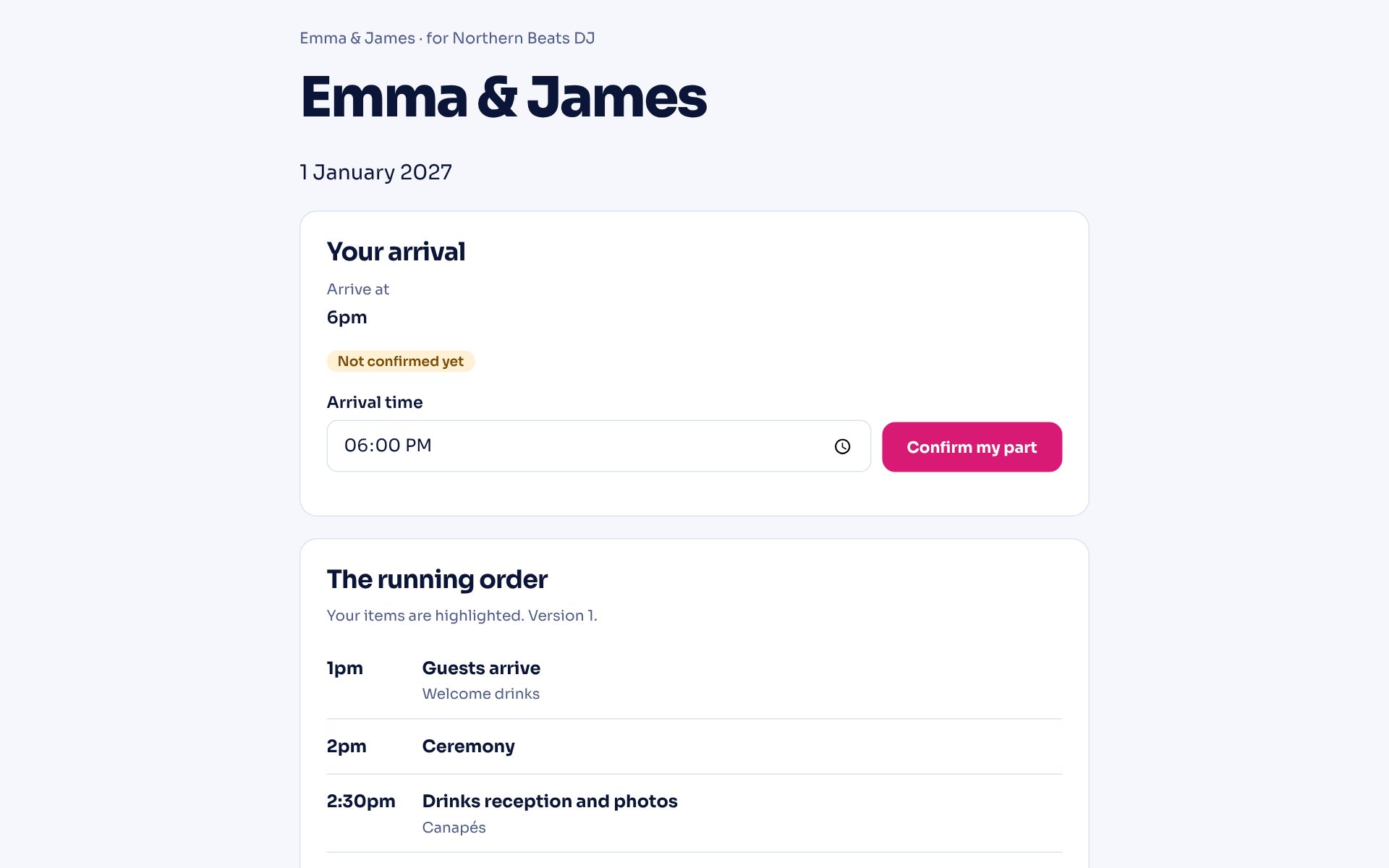
A Page For Each Supplier
Their arrival time, set-up notes and your running order, with their own times shown first. No login needed.
Confirm With One Tap
Each supplier confirms their part. You see who has, and who still needs a nudge.
Your Venue In The Loop
Your venue coordinator gets a private page with your day and can message you from it.
Changes Handled
Change a time and share again: the suppliers it affects are asked to confirm again.
One Conversation
Messages from your venue and planner arrive on Our Team and in your email.
Free For Your Suppliers
Suppliers can keep every wedding they work on in a free account, with their times in their calendar.
How It Looks
What you see, and what your suppliers see.
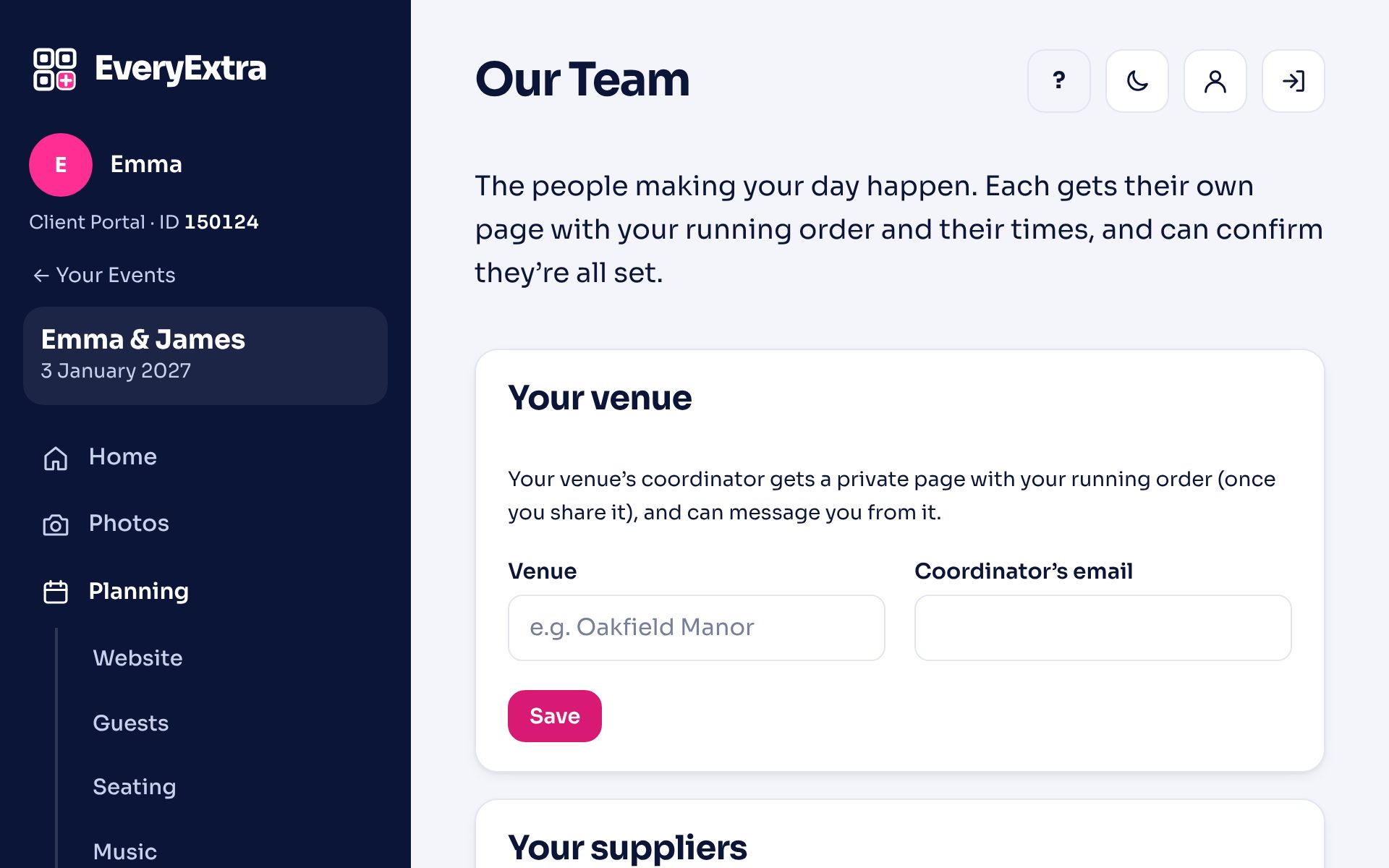
Your Team At A Glance
Who you’ve added, their arrival times, and who has confirmed.
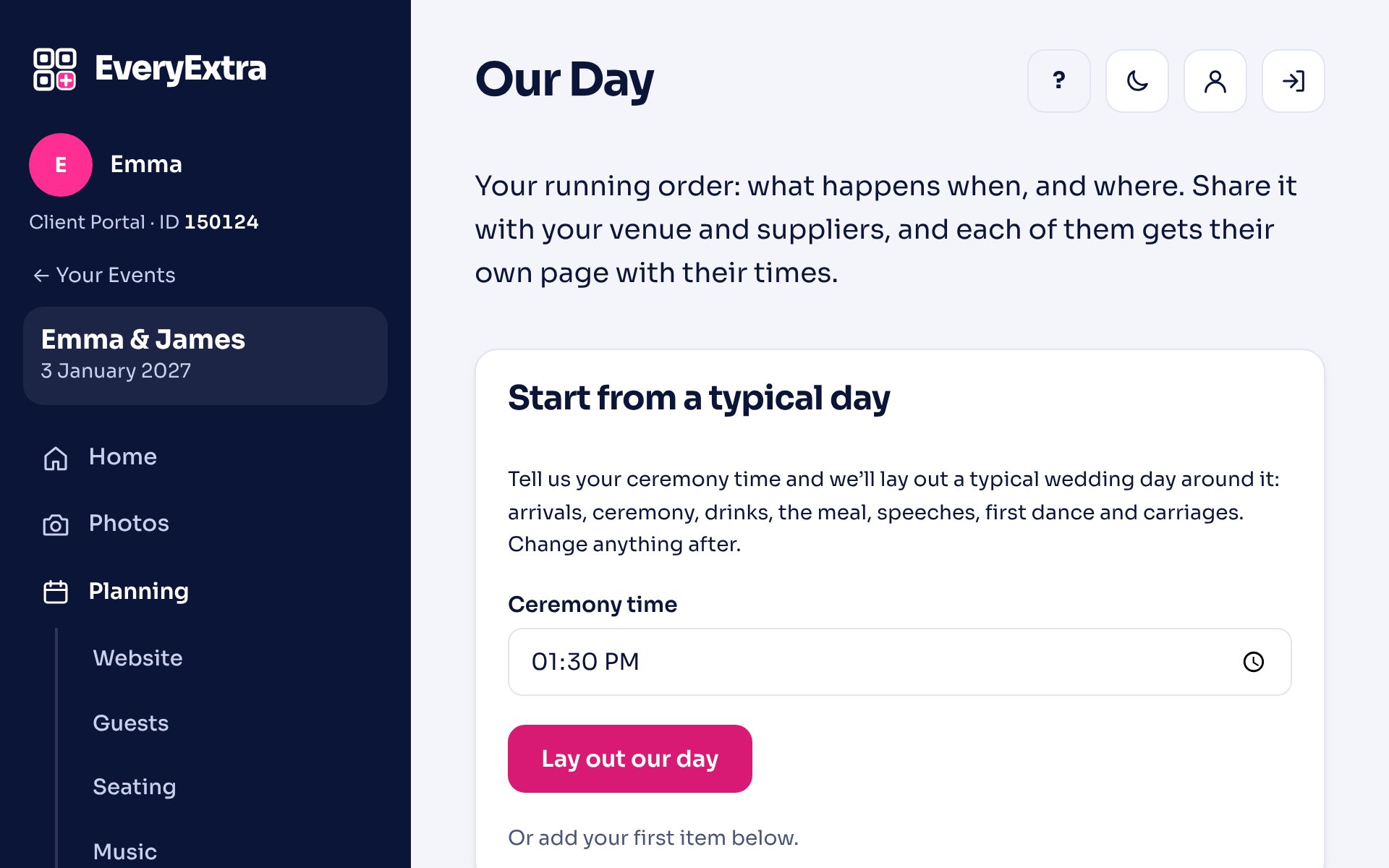
Your Running Order
The day your suppliers’ pages are built from.
The Problem It Solves
A wedding has a lot of moving parts and a lot of people who need to know about them. The florist needs to know when the venue opens. The photographer needs to know when the ceremony starts. The DJ needs to know when the speeches finish. Usually the couple sends a dozen emails, gets half the replies, and spends the week before the wedding chasing the rest.
Supplier pages put your running order in front of every supplier at once, with their own times picked out first, and ask each of them to confirm. You see who has confirmed and who hasn’t, and you only need to chase the ones who haven’t.
What Each Supplier Sees
Every supplier gets their own private page from the link we email them. There is no login and nothing to install. Their page shows:
- Your wedding date, your venue and how to get there
- Their arrival time and any set-up notes you’ve added for them
- Your running order, with the parts that involve them shown first
- A button to confirm their part, and a way to message you
Anything you mark “Just us” in your running order stays private. Suppliers only see what they need.
When Things Change
Plans change. The ceremony moves by half an hour, the speeches come before the meal, the band needs an extra hour to set up. When you change a time and share your day again, the suppliers it affects are asked to confirm again, so you know they’ve seen the change. Everyone else isn’t bothered.
Your Venue, In The Loop
Your venue coordinator gets a private page too, with your full day. If your venue uses EveryExtra, your wedding may already be in their list, and their messages arrive on your Our Team page and in your email. It means one conversation with your venue, your planner and your suppliers, instead of five separate email threads.
Free For Suppliers
Your suppliers never pay anything to see their page. If they’d like to, they can claim a free account and keep every wedding they work on in one place, with arrival times in their calendar. Many suppliers find it so useful they start asking their other couples to use it too.
Arrival Times That Make Sense
Each supplier arrives at a different time, and getting the order right matters. The venue opens first, then the caterer and the florist, then the photographer, the band or DJ, and the photo booth. Add each arrival time when you add the supplier, and it appears at the top of their page. If the venue has rules about access or loading, add them to the set-up notes so every supplier sees them before they set off.
Set It Up In Three Steps
Add A Supplier
Their name, what they do, their email and arrival time.
Share Your Day
They get a private page with your running order and their times.
Watch Them Confirm
Each one confirms with a tap, and you see it straight away.
Who It Suits
- Couples coordinating their own suppliers
- Weddings with set-up times to manage
- Anyone tired of chasing confirmations
Questions
Do our suppliers need an account?
No. Each supplier’s page works from the link we email them. If they’d like to keep all their weddings in one place, they can claim a free account.
What do suppliers see?
Your running order, with their own items and arrival time first, your venue, the date, and a button to confirm. They never see notes you mark “Just us”.
When do suppliers get their page?
As soon as you share your running order for the first time. Suppliers you add after that get theirs straight away.
Is it included in my package?
Yes, with every wedding package.
How many suppliers can we add?
As many as you have. Most weddings have between five and fifteen.
Can suppliers message us?
Yes. Messages from their page arrive on your Our Team page and in your email.
It All Works Together.
Every feature shares the same link, the same guest list and the same look.
Notes To Each Other
Before the wedding, each of you writes a few words or records a message for the other.
Event Website
Your wedding website holds your story, the schedule, the venue with maps and directions, travel, dress code and gift list, all on one beautiful page.
Invitations & RSVPs
Send digital wedding invitations to each household by WhatsApp, text or email.
Seating Plan
Your wedding seating plan is ready to fill as soon as guests RSVP.
Running Order
Lay out your wedding running order around your ceremony time, decide who sees each part, and share it with your venue and suppliers in one go.
Find Suppliers
Find wedding suppliers near your venue: DJs, florists, photographers, caterers and more, by your venue’s postcode.
Your Day, From Every Seat In The Room.
Free to set up · Pay when you go live. Set up in two minutes.