Afterglow: The Day After, Your Gallery Becomes The Story Of The Day.
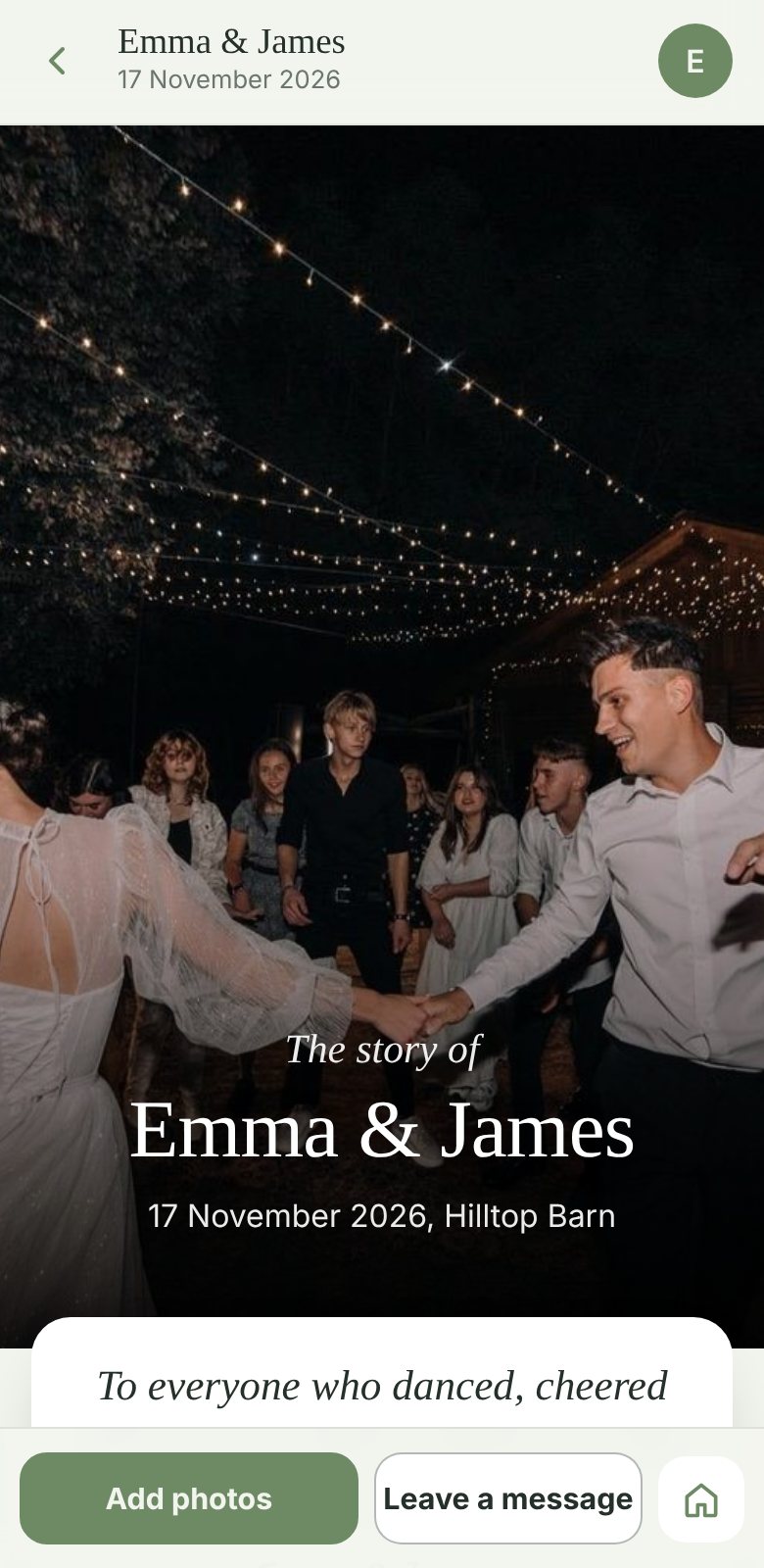
Afterglow turns every photo, video and message your guests shared into a keepsake you’ll come back to: a highlight reel, your day hour by hour, the guestbook and the photos everyone loved most. Nothing to build. It’s ready the morning after.
Free to set up · Pay when you go live
What It Does
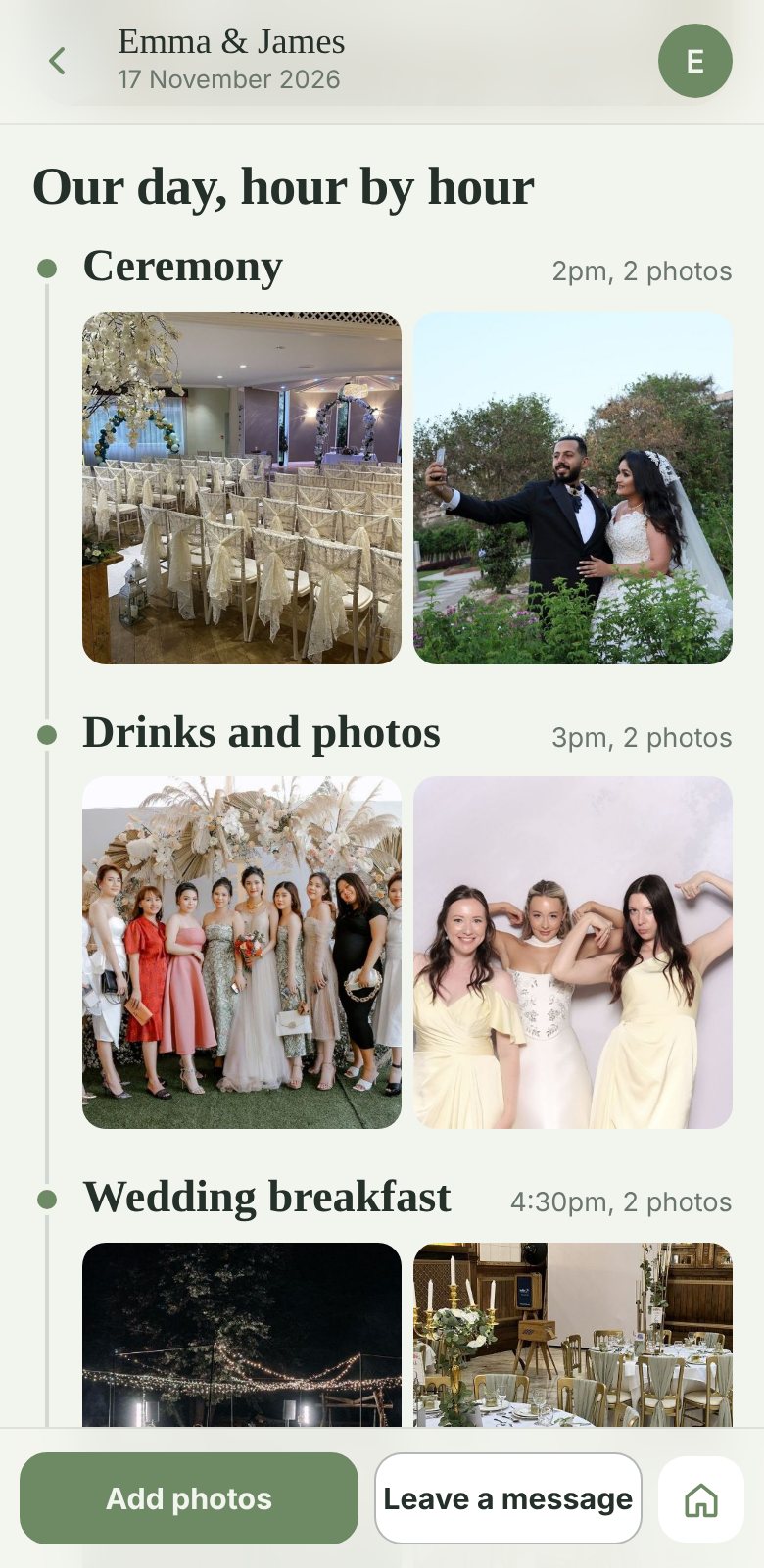
Your Day, Hour By Hour
Photos sort themselves into the parts of your day, from your running order, using the time each one was taken.
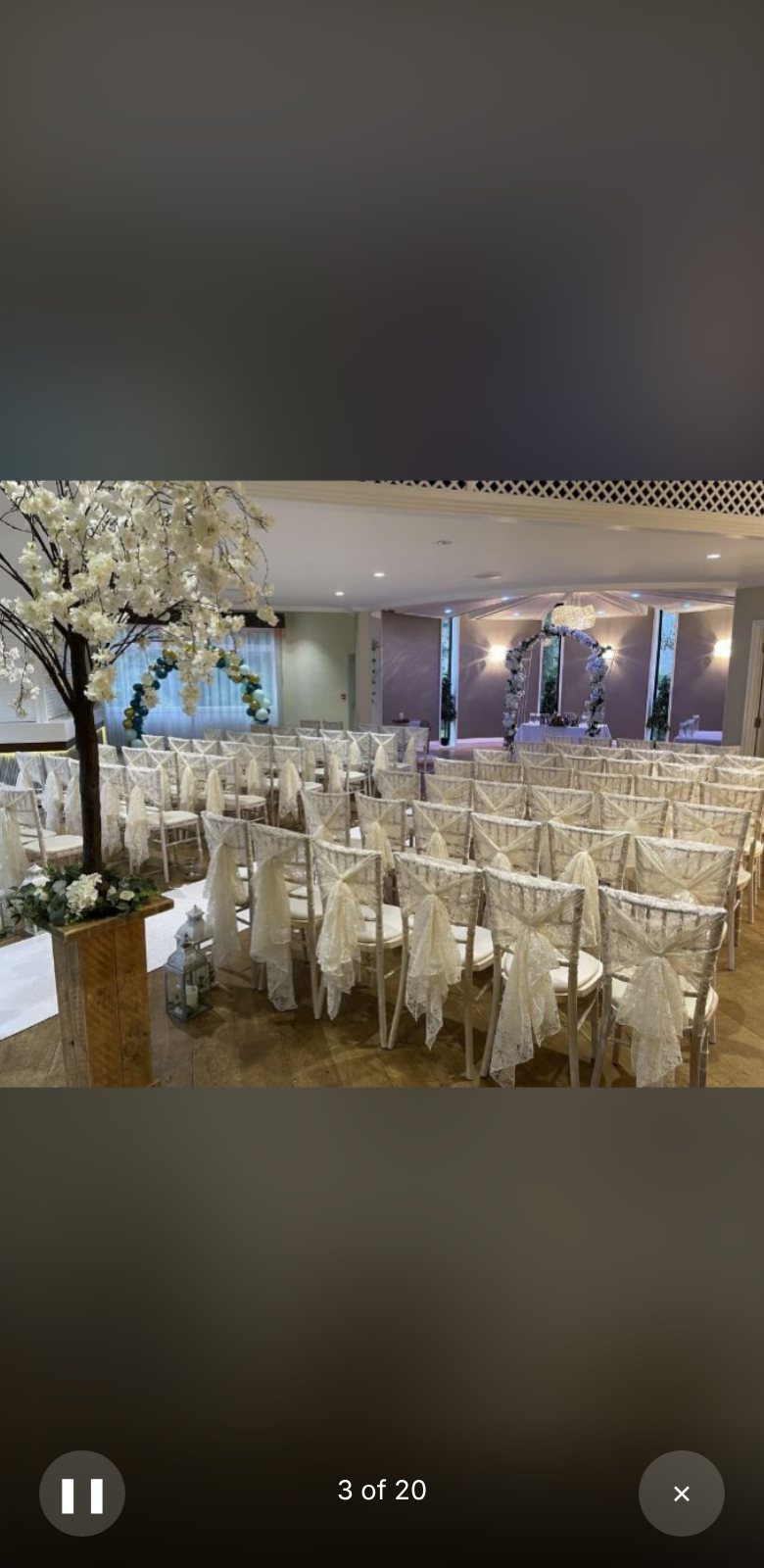
A Highlight Reel
The most-loved photos from every part of the day, full screen, with each part of the day between. One tap to watch.
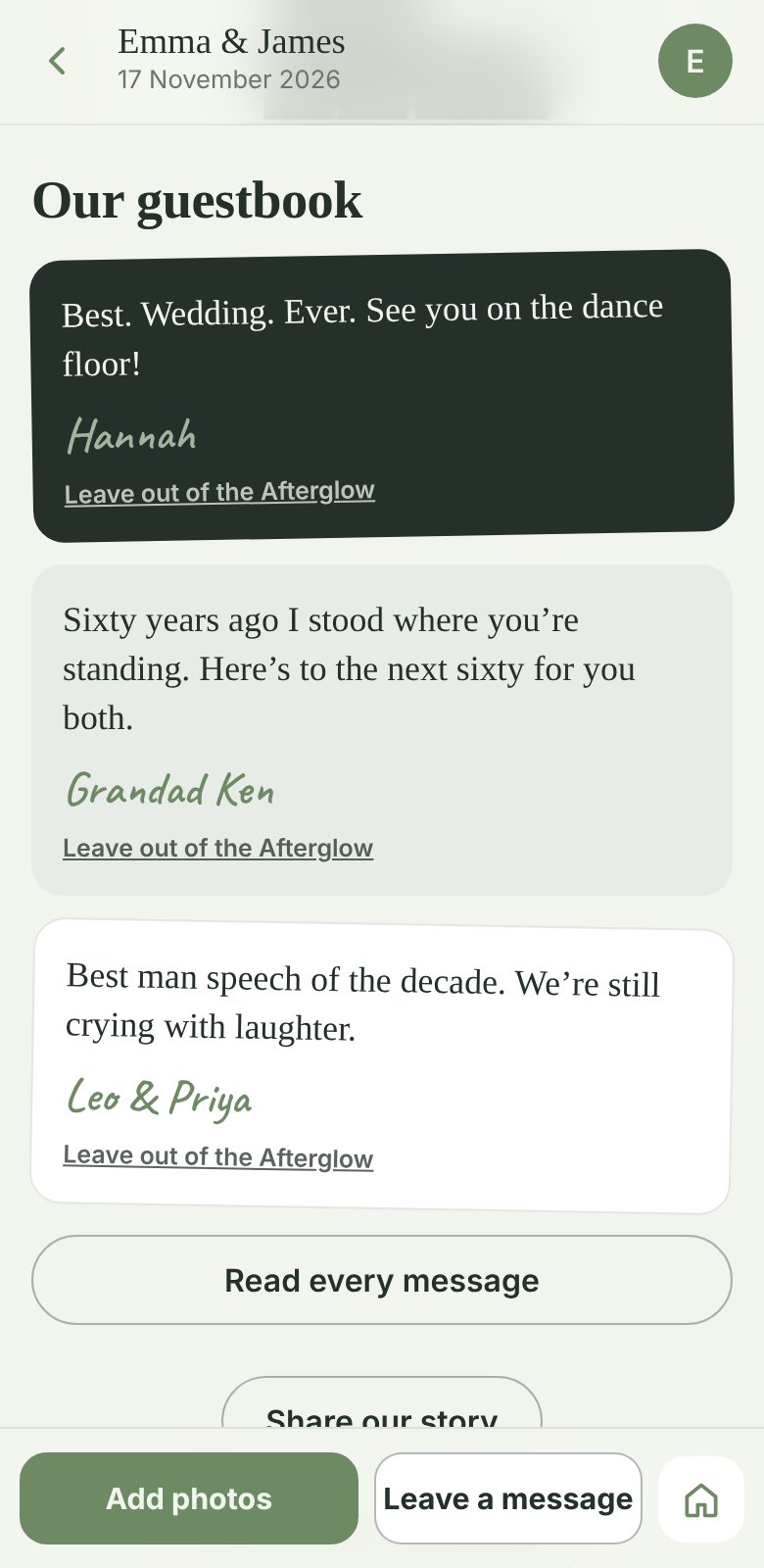
Every Message, Kept
Written messages as keepsake cards and voice messages ready to play, in one guestbook.
Your Cover And Your Thanks
Choose the cover photo and write a thank-you note, and it’s the first thing everyone sees.
Move It, Or Leave It Out
Something in the wrong part of the day? Move it in two taps. Rather it wasn’t in your Afterglow? Leave it out, and it stays in the full gallery.
For Business Events Too
The highlights, the headlines from your polls, Q&A and awards, and the full report to take back to the office.
How It Looks
Real screens from an Afterglow, on a phone and on a laptop.
Your Day, Hour By Hour
Each part of your day with its photos, from your running order.
The Highlight Reel
The most-loved photos, full screen, one tap to play.
Every Message
The guestbook, with voice messages ready to play.
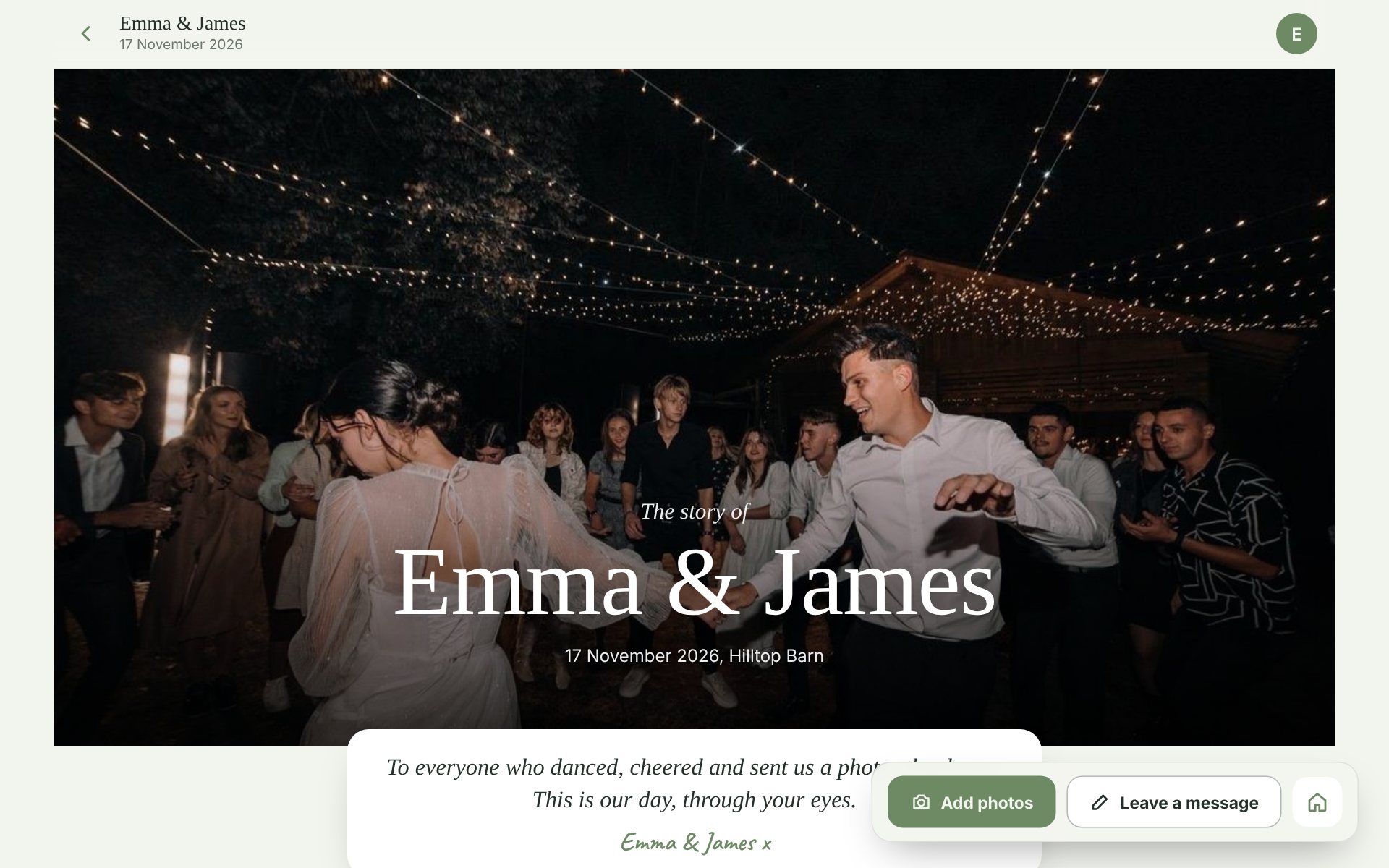
On A Laptop
Your cover photo, your thank-you note and everything after it.
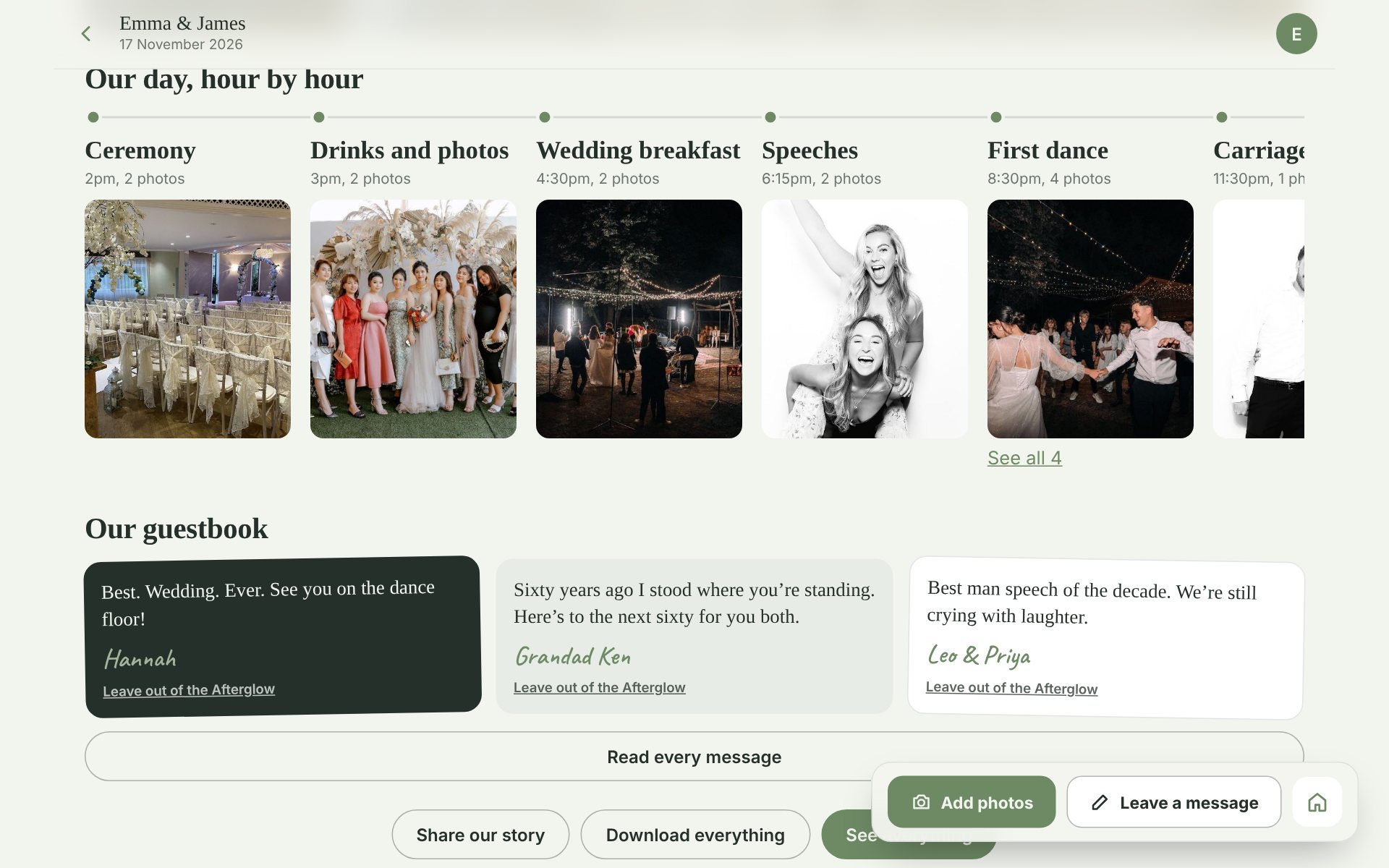
The Day At A Glance
Every part of the day side by side.
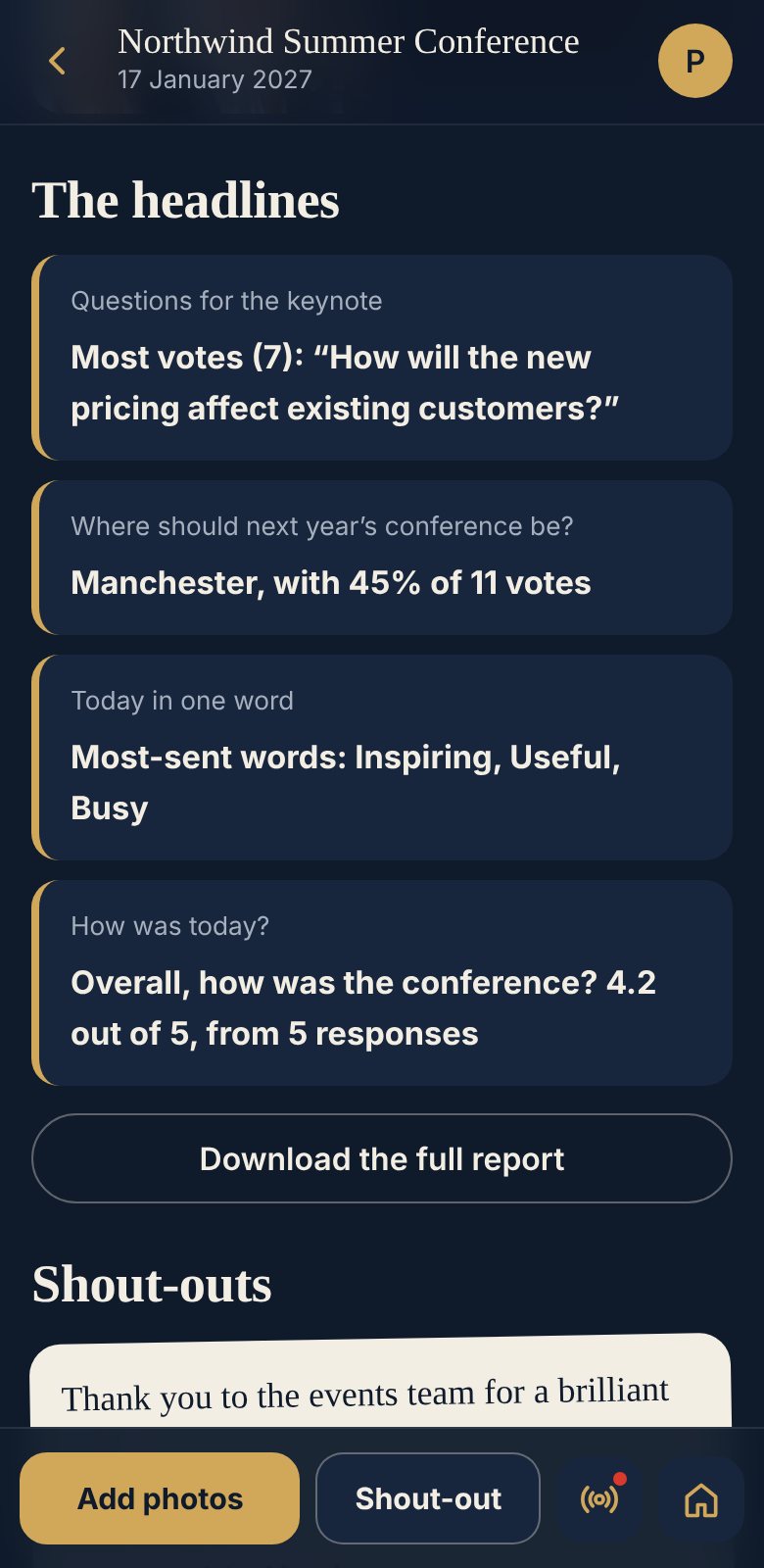
For Business Events
The headlines from your polls, Q&A and awards, and the full report.
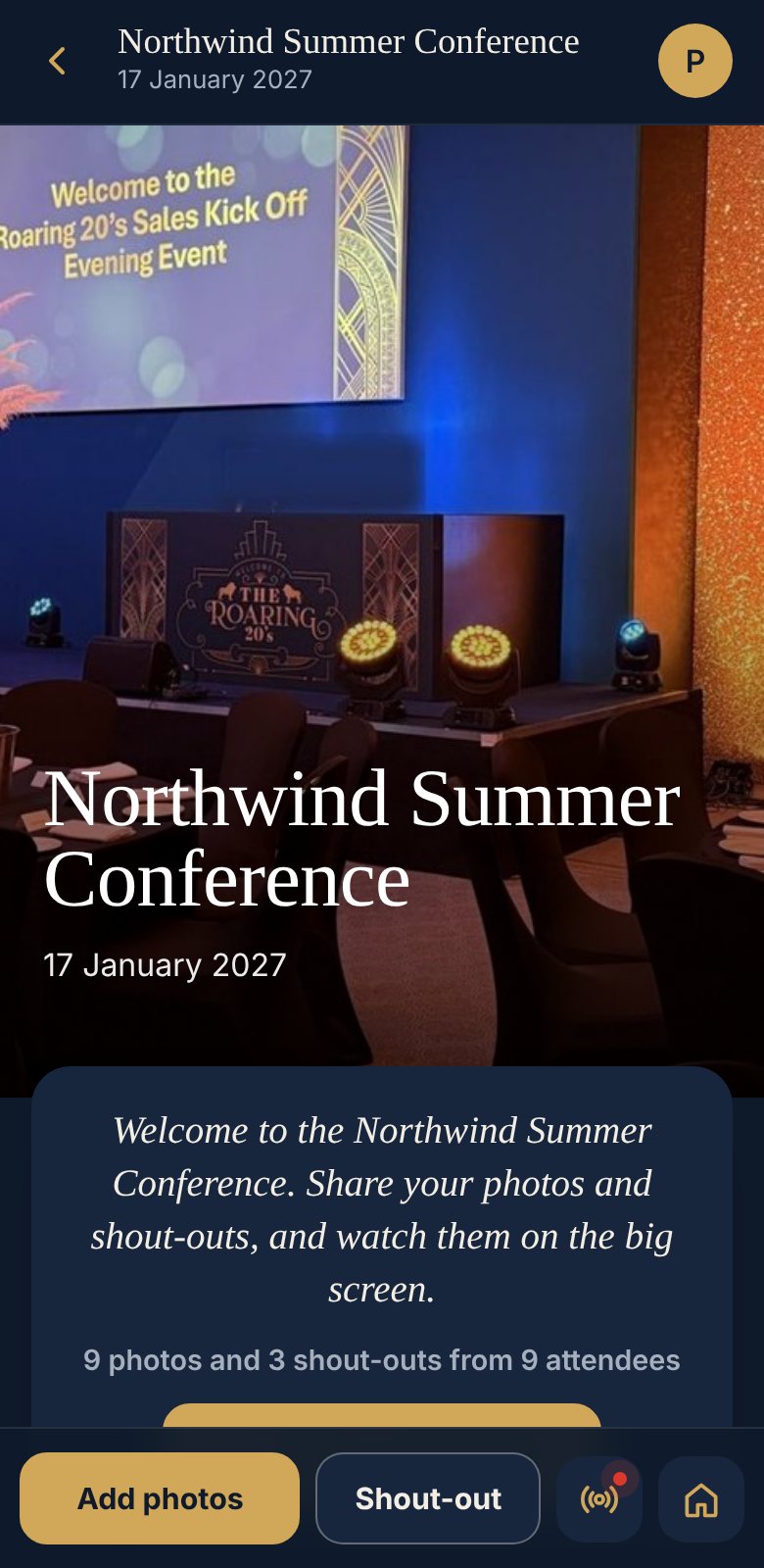
On The Day
Photos and shout-outs from every attendee, in your colours.
Why The Morning After
The day after a wedding is a strange, lovely time. You’re tired, happy and desperate to see what everyone else saw. The Afterglow is ready for exactly that moment: your gallery, turned into the story of your day, waiting for you the next morning with everything your guests shared overnight already in place.
Sharing It With Guests
Send the Afterglow link to your guests the morning after. They see the story of the day from everyone’s phones, often for the first time, and many add the photos they forgot to share on the night.
Keeping Your Afterglow Online
Your Afterglow lives at the same link as your gallery, so it stays online for as long as your gallery does. Your package sets how long that is, and the date is always shown in your dashboard. We email you well before it goes offline.
When the time comes, you can keep your event and your Afterglow online for longer from your dashboard. Couples often do this so guests can keep coming back on the first anniversary, and so relatives who weren’t there can see the day the way the room saw it. Downloading everything keeps your files safe, but only an Afterglow that’s online can be shared with a link.
Set It Up In Three Steps
Share Your Event On The Day
Guests add photos, videos and messages from their phones.
Wake Up To Your Afterglow
The morning after, your event becomes the story of the day.
Make It Yours
Choose your cover photo, write a thank-you note, and share the link.
A Keepsake That Builds Itself
There’s nothing to design. The Afterglow uses your running order or agenda, the time each photo was taken and the photos guests loved most. If anything is in the wrong place, move it in two taps.
Guests can keep adding photos while your event is open, and they appear in your Afterglow straight away.
Who It Suits
- Couples who want more than a folder of photos
- Birthdays and parties worth reliving
- Business events that need the highlights for the team
Questions
When does the gallery become the Afterglow?
The morning after your event date. Before then you can preview it from your dashboard. Guests can keep adding photos while your gallery is open, and they appear in it straight away.
How do photos end up in the right part of the day?
Each guest’s phone reads the time the photo or video was taken, and it goes into that part of your running order or agenda. We only read the time, never where it was taken. Anything without a time uses the time it was shared.
Can we change where a photo appears?
Yes. Open any photo and choose another part of the day, or put it back to automatic. The two of you and your organiser can do this; guests can’t.
What if we didn’t make a running order?
The Afterglow still shows your highlights, the reel and every message, just without the hour-by-hour chapters. Add a running order or agenda at any time and the chapters appear.
Can we leave a photo or message out?
Yes. Open it and switch on Leave out of the Afterglow. It stays in the full gallery for anyone who wants to see everything, but isn’t in your Afterglow, the highlight reel or the favourites.
Is it private?
It’s the same private gallery link, with the same PIN if you set one. Nothing is listed on search engines.
Guides
How To Collect Wedding Photos From Guests With A QR Code
How to collect wedding photos from guests with a QR code: what to set up, where to put the code, what to say on the day and how to get every photo.
Read the guideHow To Collect Birthday Party Photos From Every Guest
How to collect birthday party photos from every guest: why group chats fail, how to set up one shared gallery, and what to do if the party has been.
Read the guideIt All Works Together.
Every feature shares the same link, the same guest list and the same look.
Anniversary Time Capsule
Guests can seal a written or voice message in your wedding time capsule.
Download & Keep Forever
Download your wedding photos and videos in full resolution, or copy them all to your own Google Drive in one click.
Printed Album
We lay out a printed wedding album from the photos and messages your guests shared, in the order of your day.
Photo & Video Sharing
Wedding photo & video sharing that starts with the QR code on each table.
Audio & Video Guestbook
Guests hear your recorded greeting, then the beep, then leave a voice or video message on your audio guestbook, from their own phone.
Live Slideshow
Put the live wedding photo slideshow on the venue screen or projector.
Your Day, From Every Seat In The Room.
Free to set up · Pay when you go live. Set up in two minutes.