The Best Wedding Photo Sharing Apps In The UK, Compared
Most comparisons of the best wedding photo sharing apps are written in America, in dollars. This one is for UK weddings: what each service costs in pounds, what its price really includes, and which kind of couple it suits. We make EveryExtra, so we’ve linked every figure to the other company’s own page for you to check.
Checked on 21 November 2026 against each company’s own pricing page: GuestPix, GuestCam, Kululu, POV. “Not listed” means their page doesn’t mention it, so ask them before you rule it in or out. Prices change; follow the links for today’s. Spotted something out of date? Tell us.
What Would It Cost?
A headline price only helps if the plan does what you need. Tick what matters and see which plan you’d really be buying.
EveryExtra
£37.95Essential
Essential · £37.95
Premium · £64.95
GuestPix
£39Classic
Classic · £39
Signature · £69
Signature Bundle · £89
GuestCam
$49Standard
Standard · $49
Premium · $97
Kululu
£32Plus
Plus · £32
Pro · £79
The cheapest plan from each that lists everything you’ve ticked, from their published prices on 21 November 2026. GuestCam is priced in US dollars and Kululu’s prices are before tax. POV is priced by guest count, so it isn’t shown here.
Which One Suits You?
Start from what you want the day to feel like, not from a feature list.
If You Just Want Everyone’s Photos
You have a photographer for the portraits. What you’re missing is everything they can’t be there for: the dance floor, the kids under the table, your nan with a sparkler. You need one QR code, no app, and every photo in full resolution afterwards.
Check three things before you buy: whether uploads are capped, how long guests can keep adding after the day, and how long the gallery stays online. A cap of a few hundred uploads or a window of a few weeks is where cheaper plans save their money.
A separate website builder, an RSVP form, a spreadsheet for the table plan and a photo app means four guest lists that never agree. If a guest changes their reply, you update it four times.
This is where the services differ most. A gallery app gives you a gallery. EveryExtra gives every guest one link that changes with the wedding: the invitation and RSVP first, the website and travel details next, the seating plan and games on the day, and the gallery and Afterglow afterwards.
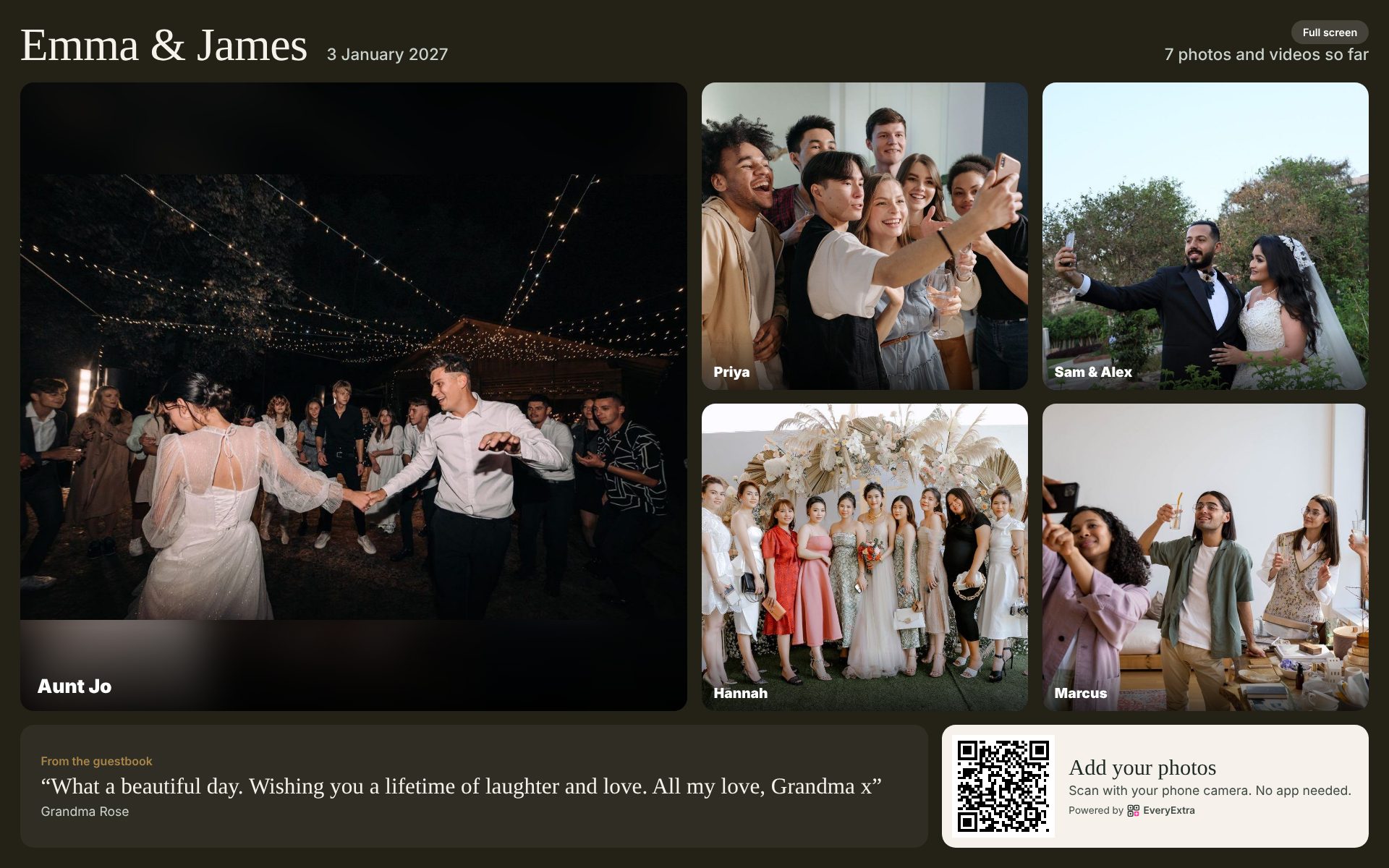
Photos arrive faster when there’s a reason to take them. A slideshow on the venue screen does most of the work: guests see their photo appear and take another.
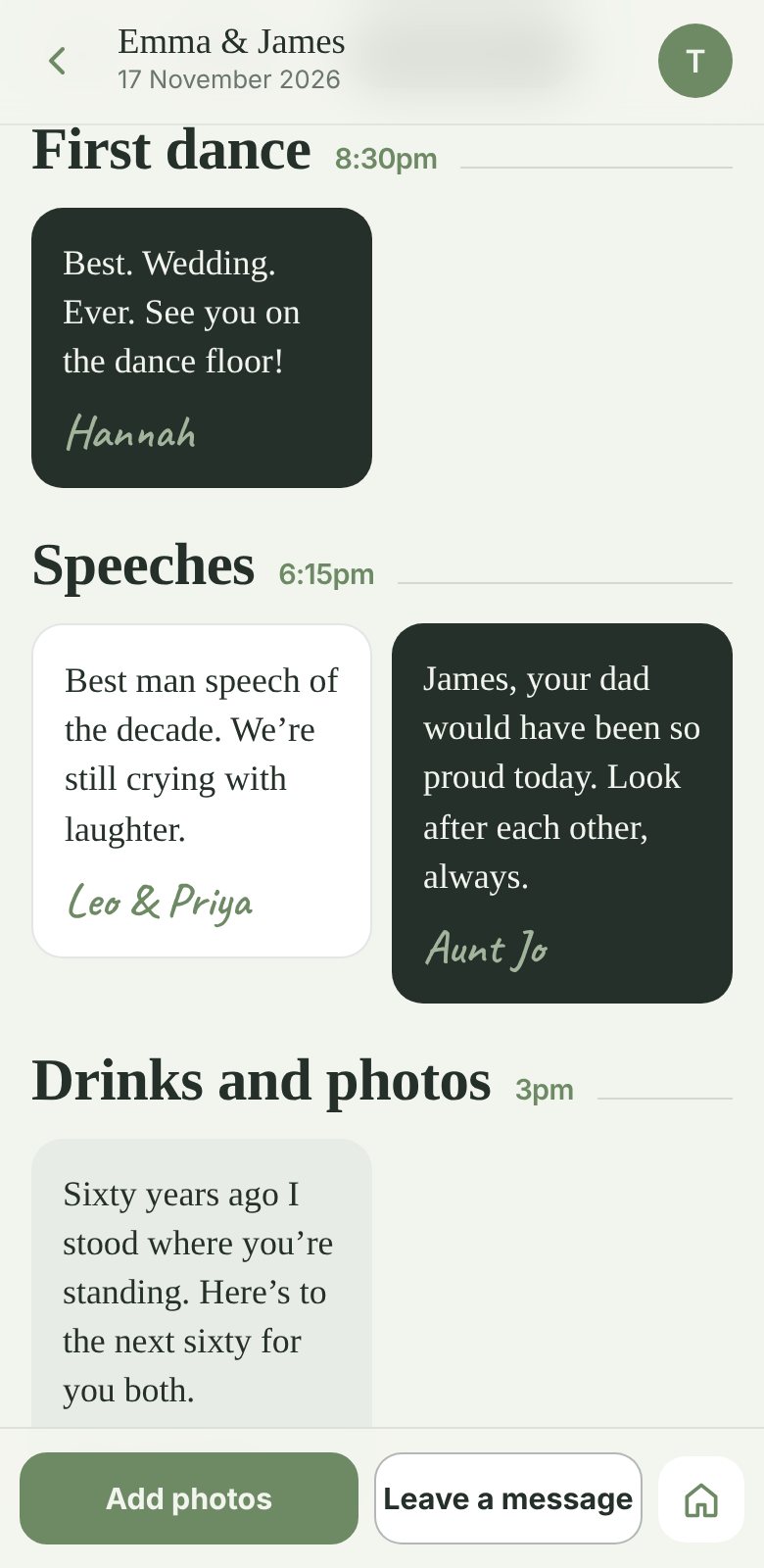
Then add something to do. Photo challenges give each table a list to hunt for. The Mr & Mrs game and Couple Trivia fill the gap between courses. An audio guestbook catches the messages people would never write down.
Every service here is a one-off payment, and usually costs less than a disposable camera for each table once developing is added. The cheapest plan isn’t always the cheapest wedding, though: a low price with a 500-upload cap or a one-month window can mean paying again to extend.
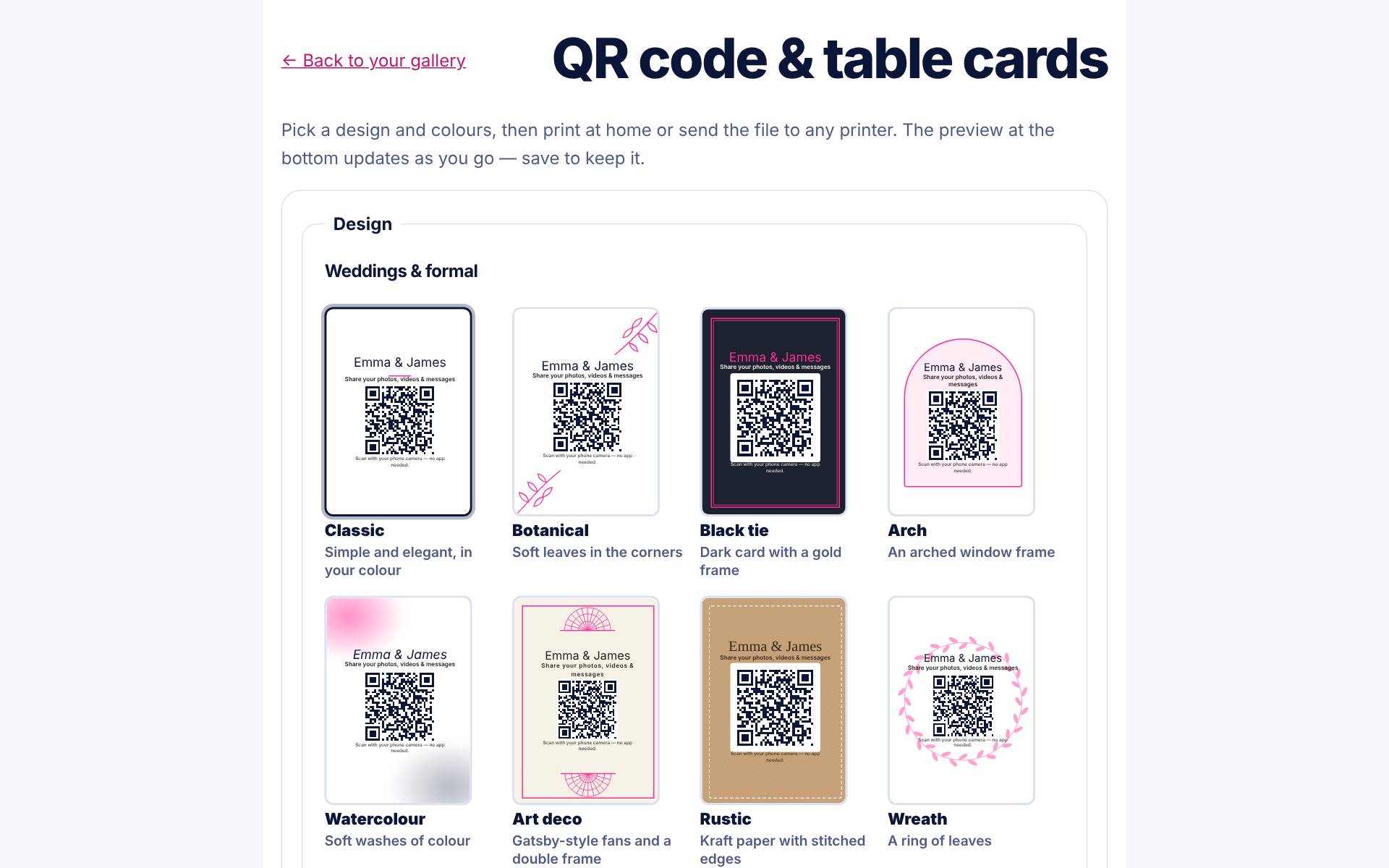
With EveryExtra you set everything up free and only pay when you go live, so you can build your gallery, print your cards and test it with your bridesmaids first. Some venues, DJs and photo booths include EveryExtra in their package, in which case you pay nothing.
Every service here follows the same first two steps. This is the whole evening with EveryExtra.
See It In A Minute
The gallery, the slideshow, the guestbook and the planning, in one short film.
Each App In Turn
EveryExtra
£37.95 to £64.95 · one-off
Guest photos and videos, a live slideshow, an audio and video guestbook and games, joined to a wedding website, invitations, a seating plan and the running order your venue works from. Free to set up, and you pay when you go live.
Best for: couples who want one link for the whole wedding, and UK prices and support.
Unlimited on the plan you’re buying, or a number? A few photos and videos from each guest soon adds up.
How Long Can Guests Add Photos?
The best ones arrive the week after, when people get home. Look for months, not days.
How Long Does The Gallery Stay Online?
And what happens afterwards: can you download everything in full resolution first?
Is The Price In Pounds, With Tax?
A dollar price costs more than it looks once your card adds its exchange fee, and some prices are shown before tax.
Do Guests Need An App?
Every extra step loses guests. A browser page from a QR code is the standard to expect.
Can You Approve What’s Shown?
If photos go on a screen in front of your grandparents, you’ll want the choice.
Questions
What is the best wedding photo sharing app in the UK?
We think it’s EveryExtra, and the table above shows why. It’s priced in pounds, has no cap on photos or videos on any paid package, and it’s the only one here that joins your guests’ photos to a guestbook, games, a wedding website, RSVPs, a seating plan and the running order your venue works from.
How much does a wedding photo sharing app cost?
Between about £30 and £90 as a one-off for most UK weddings. The price for each service, with a link to its own pricing page, is in the table above. EveryExtra’s packages are on our pricing page, and it’s free to set up.
Do guests have to download an app?
Not with any of the services compared here. Guests scan a QR code and add photos in their phone’s browser. POV opens an App Clip on iPhones, which doesn’t need installing from the App Store.
Are these apps private?
Each gives you a private gallery reached by your own link or QR code. With EveryExtra you can also add a guest PIN and approve photos before anyone sees them.
How did you check these prices?
We read each company’s own pricing page on the date shown above the table, in pounds where they offer it, and linked to it. Prices change, so follow the link for today’s figure. If you spot something out of date, tell us and we’ll correct it.