EveryExtra LIVE
Spin The Wheel, And The Whole Room Holds Its Breath.
Spin the wheel with names, prizes, tables or outcomes on it. It spins on the big screen and on every phone at the same moment, and everyone sees where it lands together.
Included with business event packages. No app for attendees.
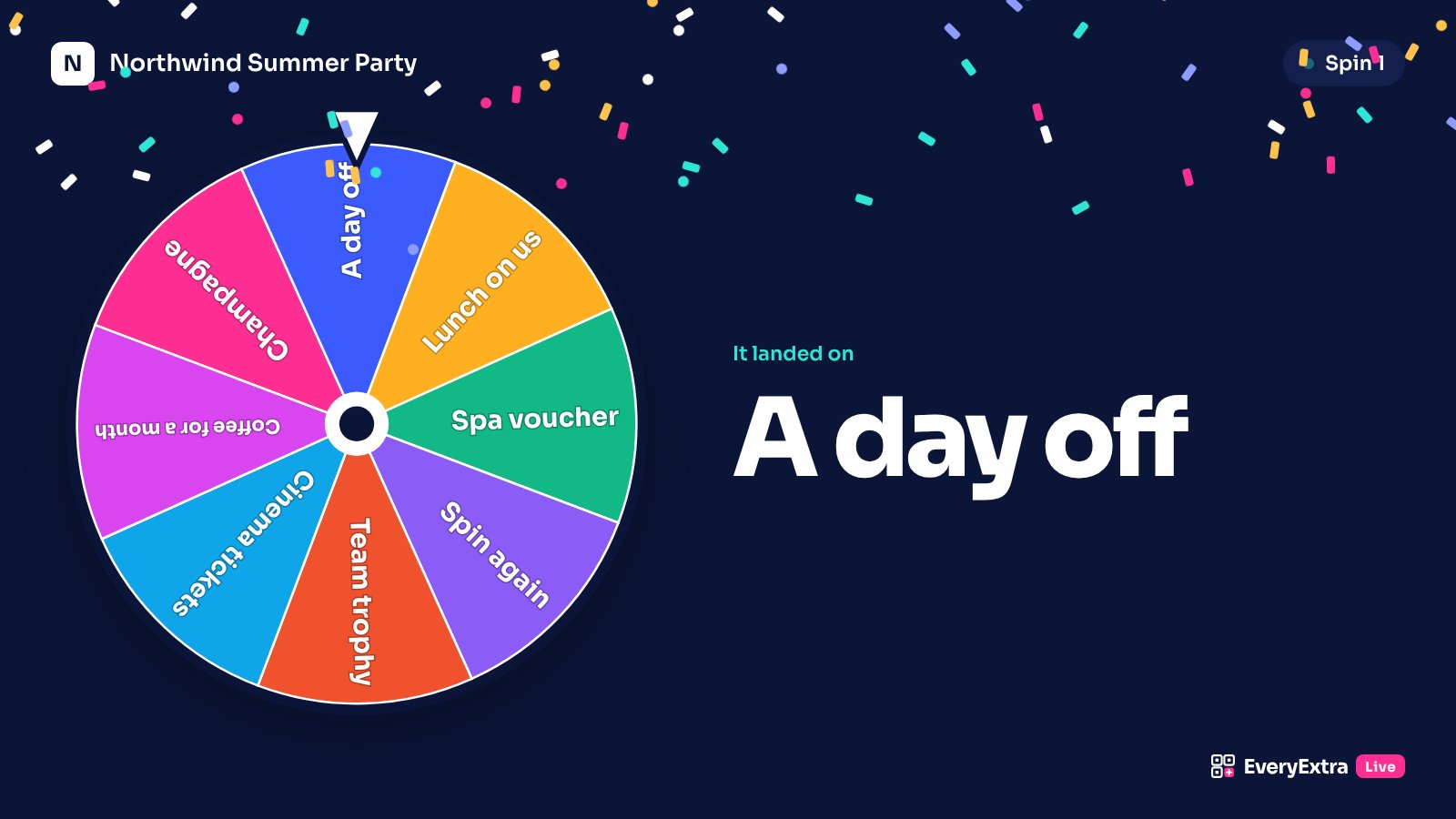
The big screen after the wheel has landed, with the result beside it. A real screen from the business demo.
Who Sees What
Your Host
Presses Spin from a laptop, a tablet or the presenter link.
The Big Screen
The wheel turns, slows and stops, then the result fills the screen with confetti.
Attendees’ Phones
The same wheel turns on the Live tab, so people at the back or at home see it land too.
More Of What The Room Sees
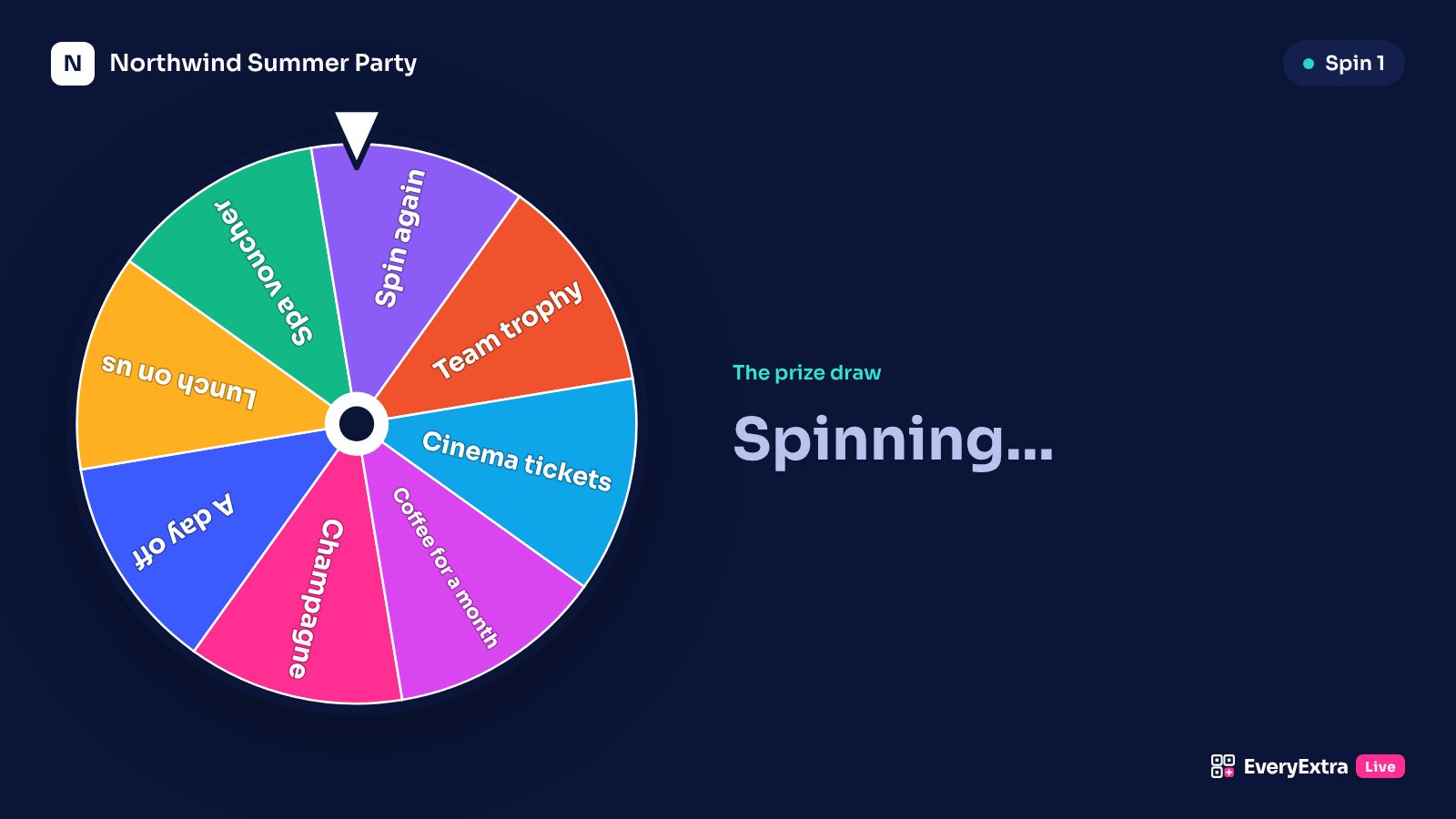
The wheel spinning on the big screen, with the code to join
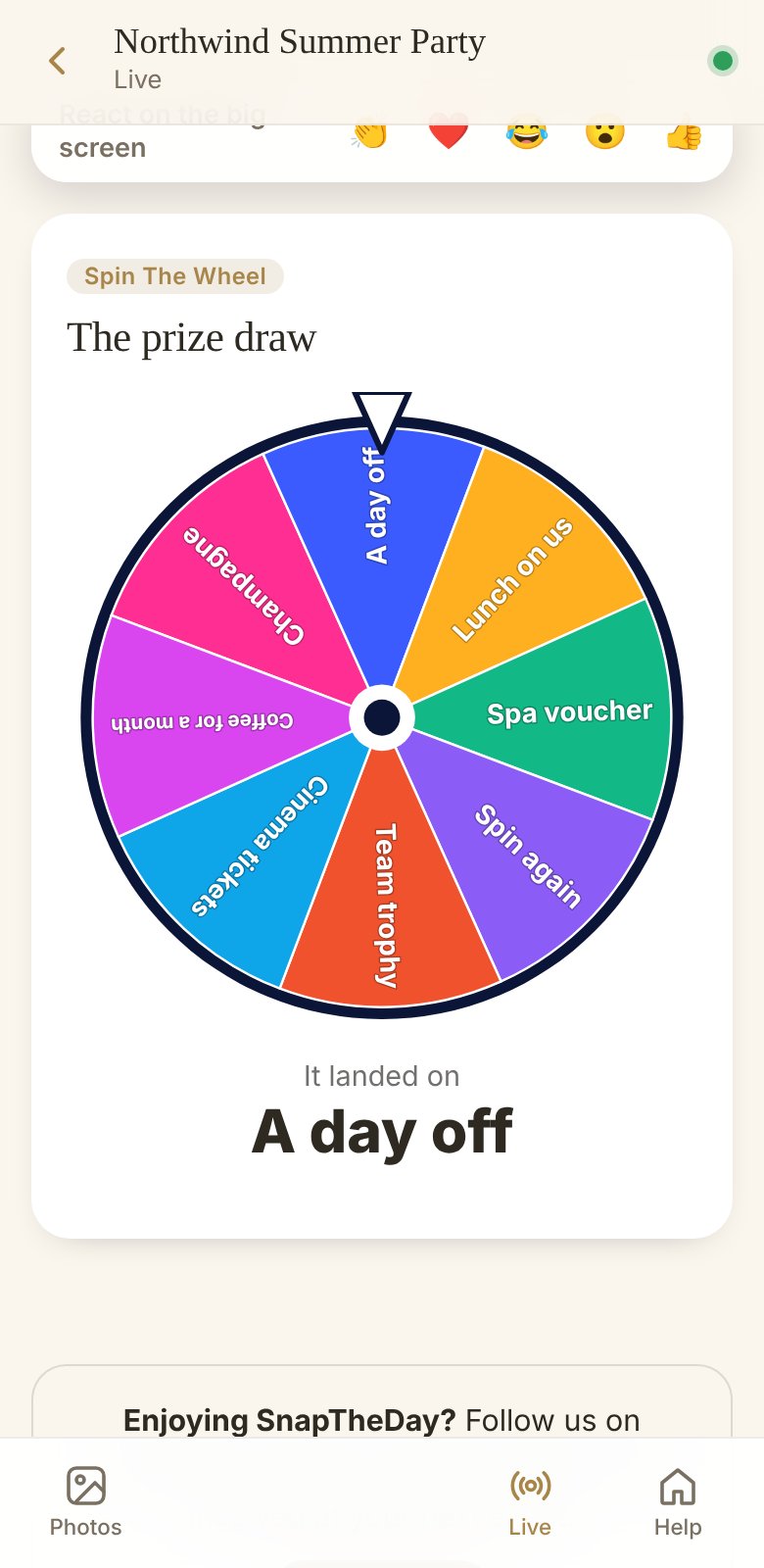
The same wheel landing on an attendee’s phone
Set It Up In Three Steps
Fill The Wheel
Add what goes on it, a row each. Drag to change the order.
Choose How It Lands
At random, or on the one you pick.
Press Spin
On the night, from the host’s controls. Spin again as often as you like.
Your Choices
At Random, Or Where You Choose
Let it land fairly, or decide beforehand where the first spin stops. It looks exactly the same to everyone watching.
Take Winners Off The Wheel
For prize draws and picking people in turn, so nothing comes up twice.
Up To 24 On The Wheel
Names, prizes, teams, tables or anything else, one per line.
Every Spin Recorded
Each result is in your event report afterwards.
Spin Again And Again
Every spin is recorded, and the host can put everything back on the wheel with one tap.
Your Colours
On the Your brand look, the wheel sits on your own background colour with your logo in the corner.
Good For
- Prize draws and raffles
- Announcing a result, a winner or a destination
- Choosing who goes next
- Charity nights and staff parties
Your Questions Answered
Can anyone tell if the result was chosen?
No. A chosen spin looks exactly like a random one. Only the organiser and the host can see it.
Can it spin more than once?
Yes. Spin as many times as you like, and take each winner off the wheel if you want a different result every time.
Do people need to be in the room?
No. Anyone with the event open on their phone sees the wheel turn and land, wherever they are.
How long does a spin take?
About seven seconds, slowing all the way to its stop, with a drum roll on the big screen.
More Of EveryExtra LIVE
Every activity runs from the same QR code, presenter link and big screen.
Live Q&A
Attendees ask and upvote questions. Your speaker sees the best ones first.
See how it worksLive Polls
Ask the room anything and watch the results build on screen.
See how it worksWord Clouds
One word from everyone becomes a picture of the room.
See how it worksIdeas Board
Collect ideas from everyone, then let the room vote the best to the top.
See how it worksLive Quiz
Timed questions, points for speed and a leaderboard on the big screen.
See how it worksSurveys
Feedback before people leave, with live charts and a report.
See how it worksAwards
Present every award on the big screen, with each winner on everyone’s phone.
See how it worksAll Of EveryExtra LIVE
How every activity, the presenter link and the big screen work together.
See the overviewWhy Spin The Wheel
Some decisions are more fun left to chance. Who wins the raffle prize, which team presents first, which topic the panel takes next, who has to do the next karaoke song. A wheel on the big screen turns a simple choice into a moment the whole room watches, and everyone with the event open on their phone watches it land too.
Ideas For Your Wheel
- Prize draws and raffles
- Choosing the order of presentations or teams
- Picking a question or a topic for the panel
- Forfeits and challenges at a staff party
- Choosing which table goes to the buffet first
Fair And Visible
Every spin is recorded, so there’s never an argument about what it landed on. Choose whether a result is removed from the wheel once it’s chosen, so the same prize or name can’t come up twice, and put everything back with one tap when you want to start again.
Setting Up The Big Screen
You don’t need special equipment. Open the big-screen link in any web browser on the laptop connected to the venue’s screen or projector, and press full screen. Your presenter uses their own private link on a laptop, tablet or phone, and the big screen follows them. Test both at the venue before people arrive, on the venue’s own wifi, and keep the laptop plugged into the mains.
Attendees join with the same QR code as your event’s photo gallery, so there’s only ever one code to show. Put it on the screen, on the tables and in the programme, and people can join in at any point in the day.
One Code, Every Activity
Every EveryExtra LIVE activity runs from the same QR code, the same presenter link and the same big screen. Open a word cloud to start the day, a Q&A for each talk, a poll or two in the afternoon, a quiz after dinner and a survey to close, and attendees never need to scan anything new. Everything they do sits on the Live tab of your event, beside the photo gallery, so people who are sharing photos are already one tap away from joining in.
Prepare as many activities as you like before the day and open each one at the right moment, or set times and let them open and close by the clock. Your report keeps every result in one place afterwards.
Included With Business Events
EveryExtra LIVE is our own business clients’ tool. It comes with the business event packages you book with us directly, alongside photo and video sharing, your logo on everything, a live slideshow and attendees’ contact details if you’d like to collect them. There are no per-attendee charges and no app for anyone to download. Ask for a quote and we’ll reply with a price, usually within one working day, or try every activity for yourself in the business demo first.
After The Event
Every spin and its result is in your event report, which is handy when you need a record of a prize draw.
More Questions
Can the wheel pick the same thing twice?
Only if you want it to. Choose whether each result is taken off the wheel once it’s chosen.
Add It To Your Next Event.
Tell us about your event and we’ll reply with a price, usually within one working day. Or try it now in the business demo.