Parties & celebrations
Party Photo Sharing: Everyone’s Photos, Without Asking Twice.
The best photos of a party are on other people’s phones. Party photo sharing with one QR code on the tables brings them all into a private gallery, in full quality, with nothing lost in a group chat.
Free to set up · Pay when you go live
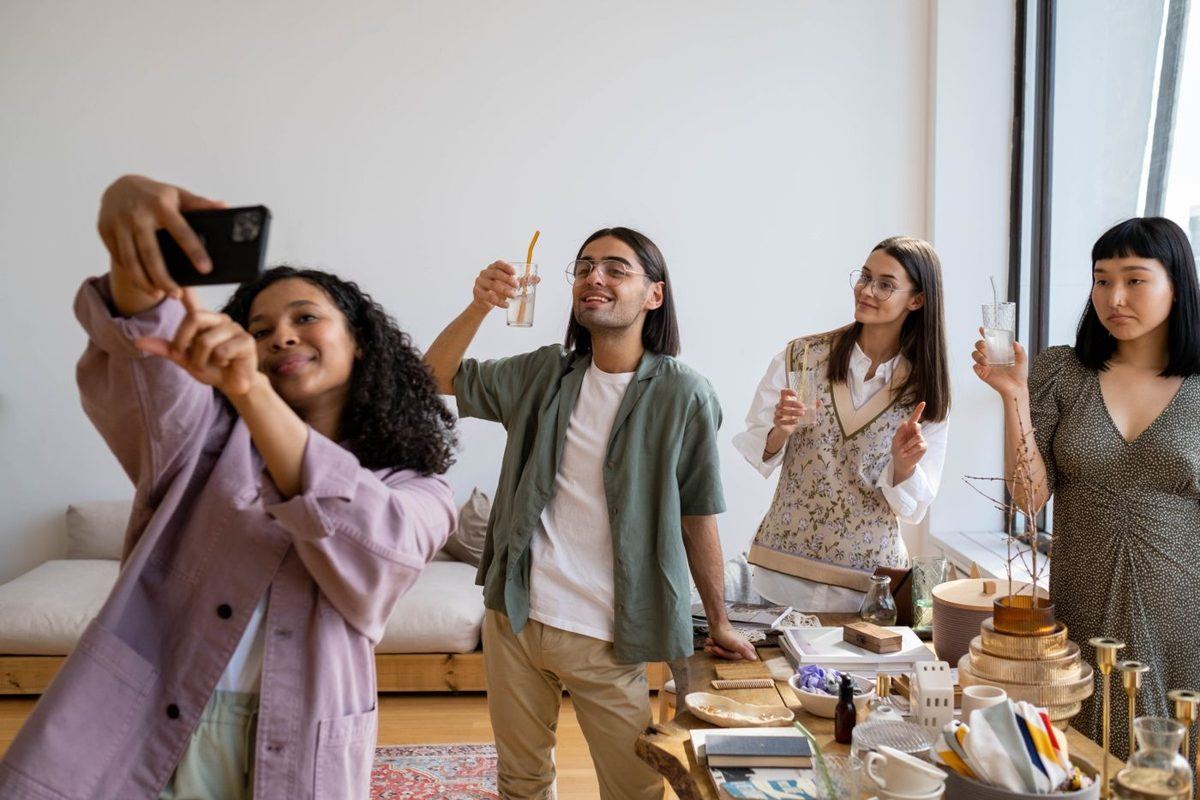
Made For The Party You’re Planning
Birthdays
From a first birthday to an 80th. A photo challenge list gets guests of every age joining in.
Anniversaries
Ask guests to add old photos as well as new ones, and play them all on the slideshow.
Christenings And Baby Showers
Messages for the guest of honour to read when they’re older, sealed in a time capsule.
Proms And Leavers’ Balls
One gallery for the whole year group, with photos approved before anyone sees them.
Engagements, Hen And Stag Parties
A private place for the photos, with a PIN if you’d like to keep it to the group.
Retirements And Reunions
Voice messages and written notes alongside the photos, so nobody’s words are lost.
What Your Guests Do
It takes them about ten seconds.
Scan The Code
It opens in their phone’s browser. There’s no app to find and no account to make.
Add What They’ve Taken
Photos and videos in full resolution, plus a voice, video or written message if they like.
See Everyone Else’s
They can browse, like and comment, and watch new photos arrive on the big screen.



On The Day, And The Story After
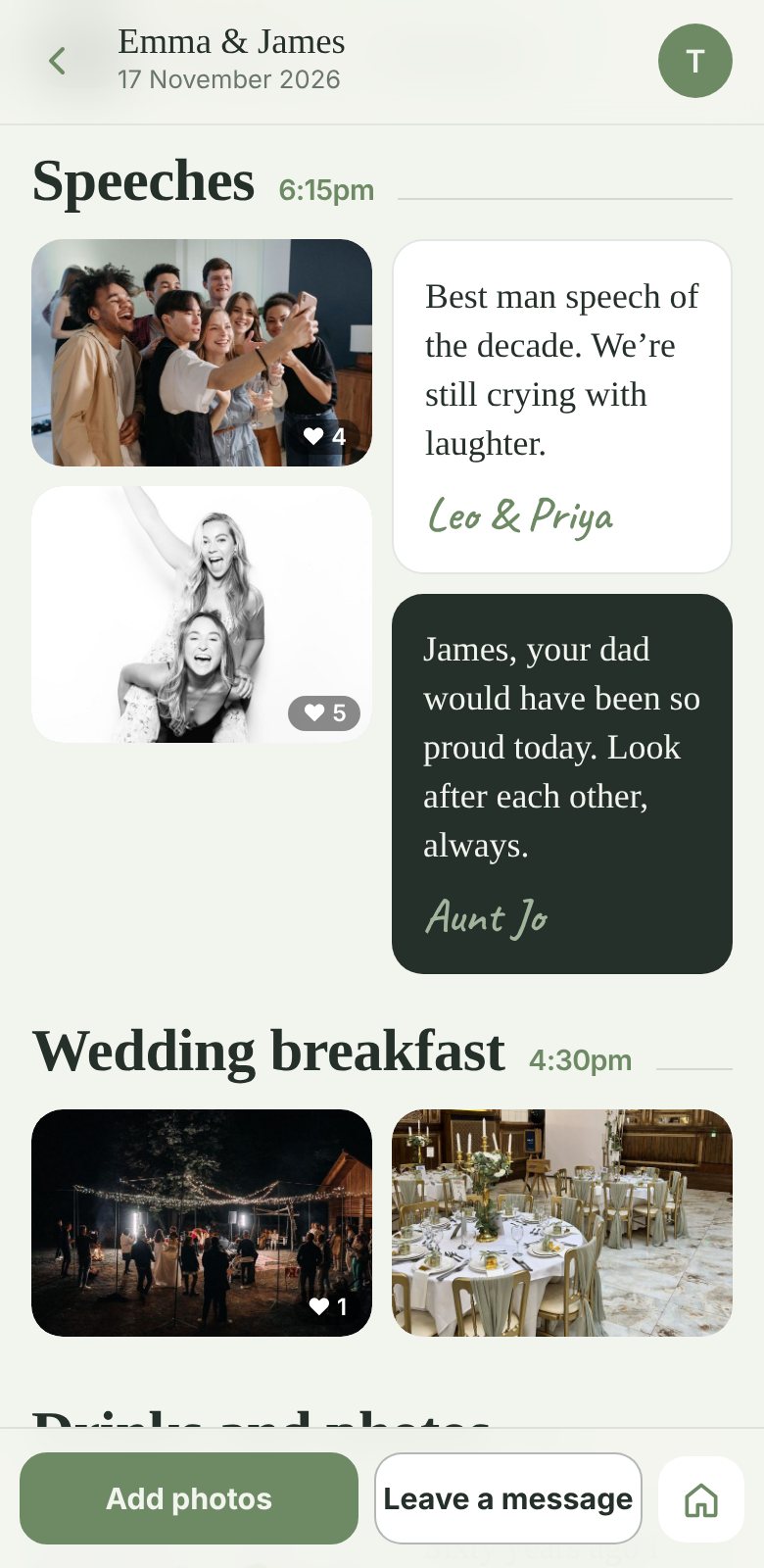
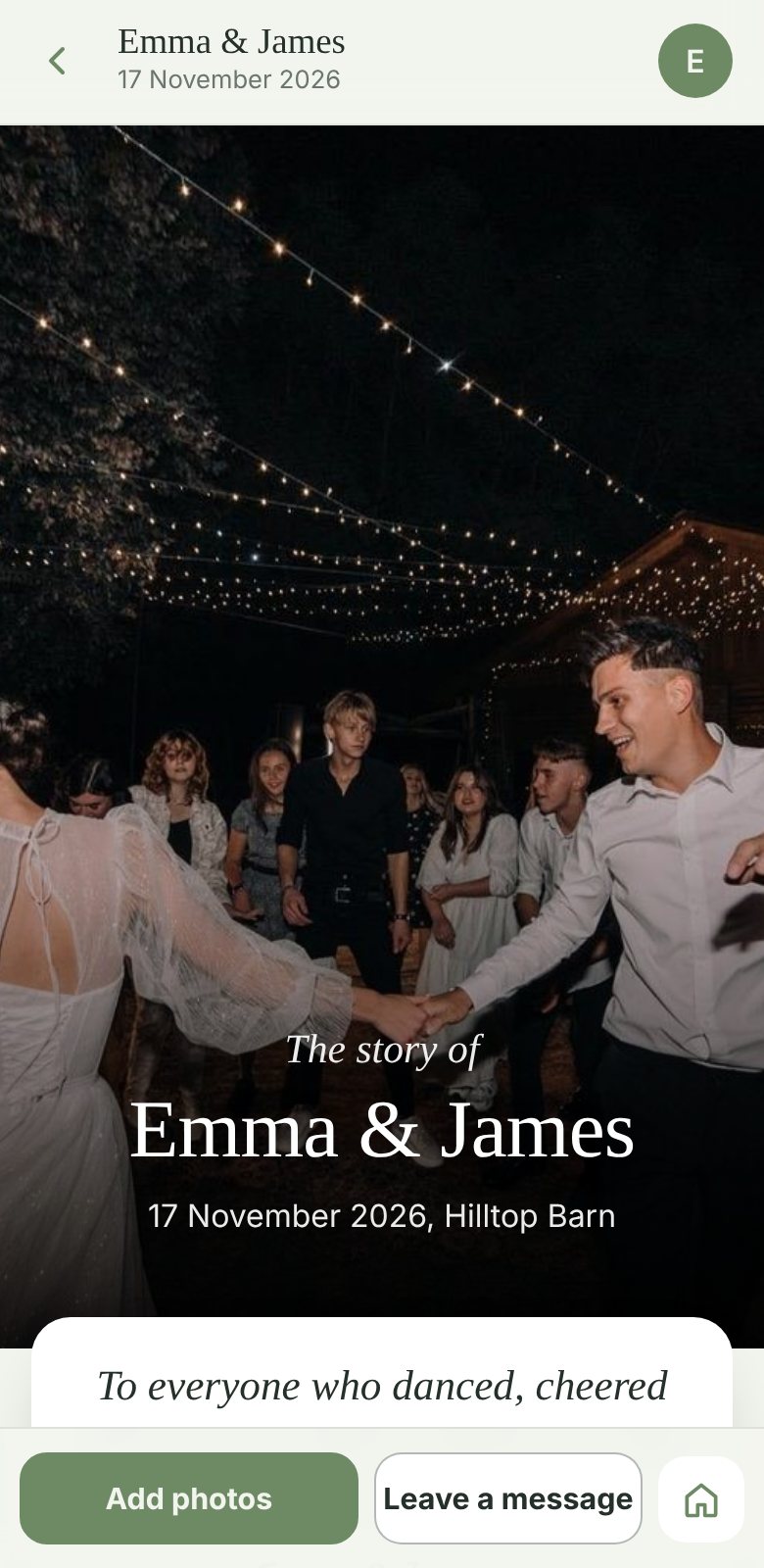
Every photo, video and message lands in one feed, sorted into the parts of your day: the ceremony, the speeches, the first dance. The day after, it becomes your Afterglow: the story of the day, with a highlight reel and every message, to keep and share.
Three Steps
Create Your Event
Choose the type of party, add the date and pick a theme.
Put Out The QR Code
Print a sign or table cards, or share the link in your invitation.
Download Everything
One download in full resolution, or a copy to your Google Drive.
What It Uses
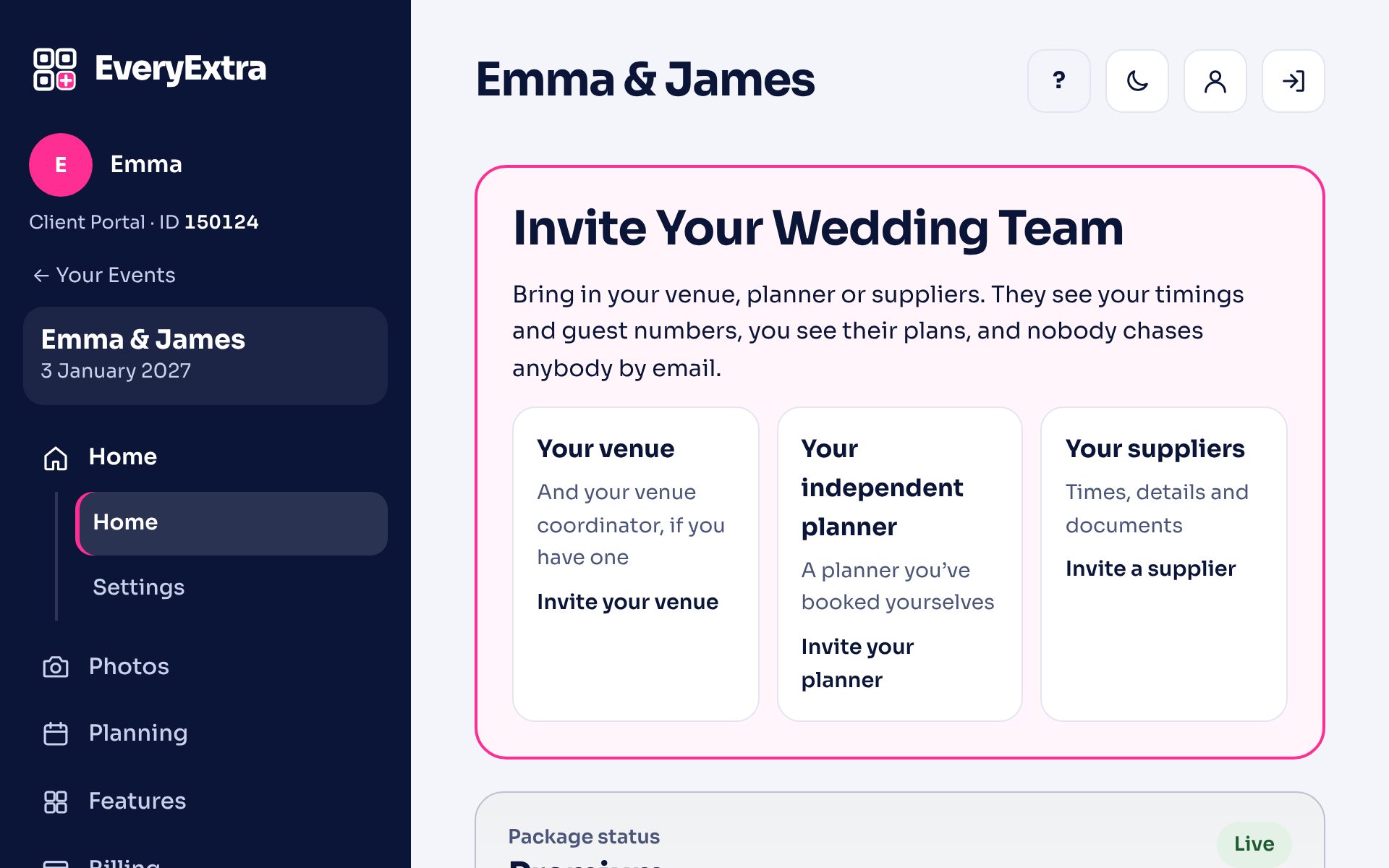
Every feature shares the same link and the same guest list.
Photo & Video Sharing
Wedding photo & video sharing that starts with the QR code on each table.
Afterglow: The Story Of Your Day
Afterglow turns every photo, video and message your guests shared into a keepsake you’ll come back to: a highlight reel, your day hour by hour, the guestbook and the photos everyone loved most.
Photo Challenges
Wedding photo challenges are fun prompts, like “Selfie with the bride’s nan”, “Best dance move” and “The cake before it’s cut”, that guests tick off as they snap.
Live Slideshow
Put the live wedding photo slideshow on the venue screen or projector.
Audio & Video Guestbook
Guests hear your recorded greeting, then the beep, then leave a voice or video message on your audio guestbook, from their own phone.
Anniversary Time Capsule
Guests can seal a written or voice message in your wedding time capsule.
Guides
50 Photo Challenge Ideas For Weddings And Parties
Fifty photo challenge ideas for weddings, birthdays and staff parties, sorted by type, with tips on how many to set and how to get guests joining in.
Read the guideHow To Collect Birthday Party Photos From Every Guest
How to collect birthday party photos from every guest: why group chats fail, how to set up one shared gallery, and what to do if the party has been.
Read the guideHow To Run A Live Photo Slideshow At Your Venue
How to run a live photo slideshow at your venue: the kit you need, how to connect it, where to put the screen, and how to keep unsuitable photos off it.
Read the guideQuestions
How much does it cost?
There’s a one-off price for each gallery, with no subscription. The packages and what each includes are on the pricing page.
Can I set it up on the day?
Yes. Creating a gallery takes a couple of minutes and the QR code is ready straight away.
Can younger guests use it?
Yes, but for a party with children or teenagers we suggest approving photos before they’re shown and adding a PIN.
Do guests need to be there?
No. Anyone with the link can add photos or leave a message, wherever they are.
Parties It Works For
- Milestone birthdays: 18th, 21st, 30th, 40th, 50th and beyond
- Engagement parties and hen and stag weekends
- Anniversaries, from the first to the golden
- Christenings, naming days and baby showers
- Children’s parties, where the parents take the photos
- Retirements and leaving dos
- Graduation parties and family reunions
Why Not A Group Chat?
The usual way to collect party photos is a message the next day: “Send me your photos!” A few people do, through a group chat that squashes every photo, and the rest never get round to it. A shared gallery with a QR code on the tables gets photos while the party is still going, at full quality, from everyone, including the guests who aren’t in your group chat.
Messages For The Guest Of Honour
For a big birthday or an anniversary, ask guests to leave a message as well as their photos: a few written words, a voice note or a short video. Guests who can’t come can send one from wherever they are. Put together, they make a keepsake the guest of honour will keep for years.
Planning A Surprise?
For a surprise party, set up the event quietly and send the link to guests with the invitation, asking them to keep it to themselves. On the night, the QR code on the tables does the rest, and the guest of honour gets every photo and message the morning after.
Children’s Parties
At a children’s party, the parents take the photos. A gallery means every parent shares theirs in one place, and every family gets the photos of their own child, without anyone having to message them round afterwards.
One QR Code. Everyone’s Photos.
Free to set up · Pay when you go live. Set up in two minutes.