Business events
Event Photo Sharing: Every Attendee’s Camera, Your Content Team.
Event photo sharing for conferences, awards nights, product launches, staff parties and fundraisers. Attendees share with one QR code, the best moments play on the venue’s screens under your logo, and you leave with every photo and a list of people who asked to hear from you.
Pay once per event by card or invoice, or subscribe if you run events all year.


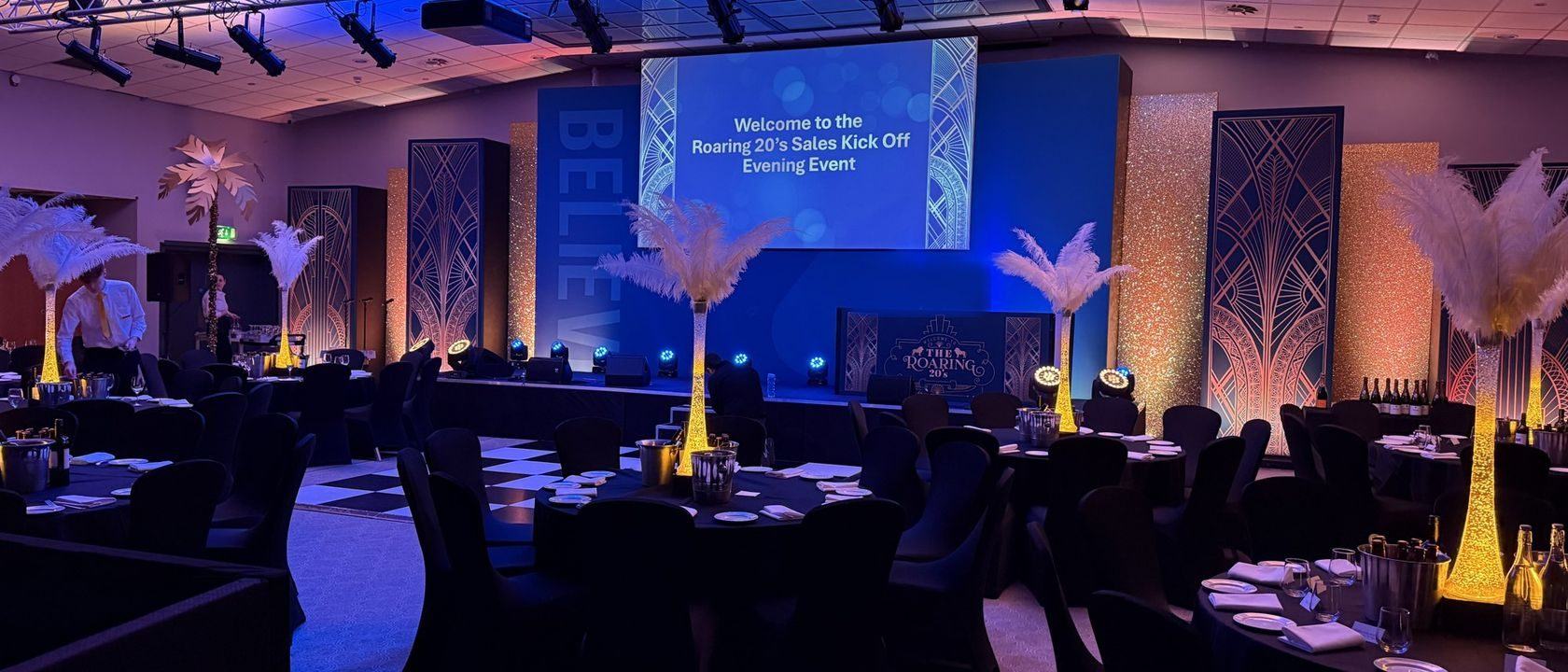
EveryExtra LIVE In A Minute
Q&A, polls, quizzes, awards and feedback, from one QR code.
Before The Day
Everything set up once, and nothing left for the morning of the event.
Ready In An Afternoon
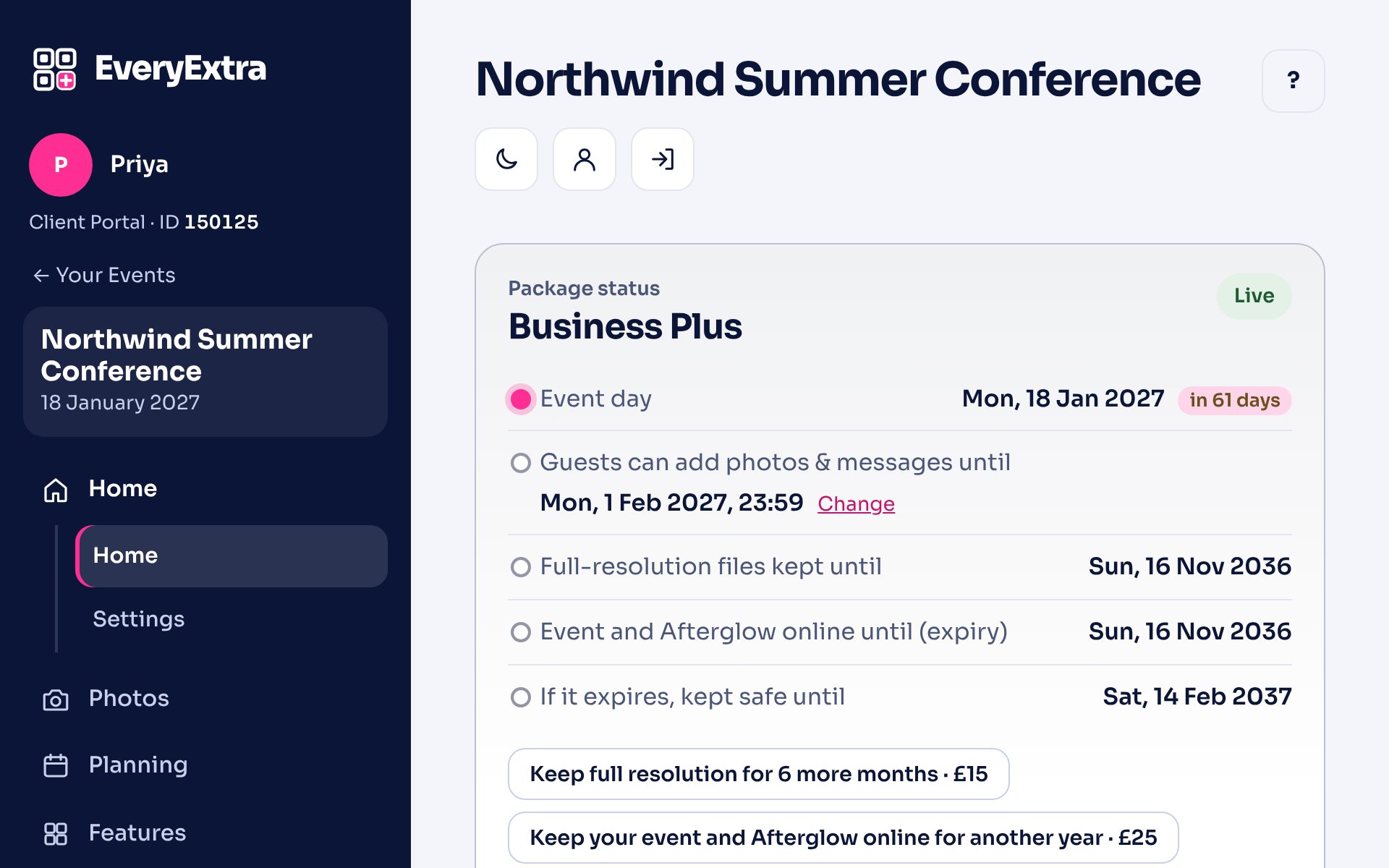
Choose the kind of event, add your logo and colours, and decide whether you approve photos before anyone sees them. The checklist on your event’s home page shows what’s left to do.
- Your logo on the gallery, the big screen and the printed cards
- Albums for each day, room or track
- Approval on or off, and you can change your mind later
An Event Page With The Agenda And Registrations
Give people one link with the date, the venue and a map, the agenda, and a form to register. Invitations go out by email with replies coming back to you.
- Attendee replies in one list, ready to download
- The same link becomes the photo gallery on the day
Agenda
One QR Code, Printed Your Way
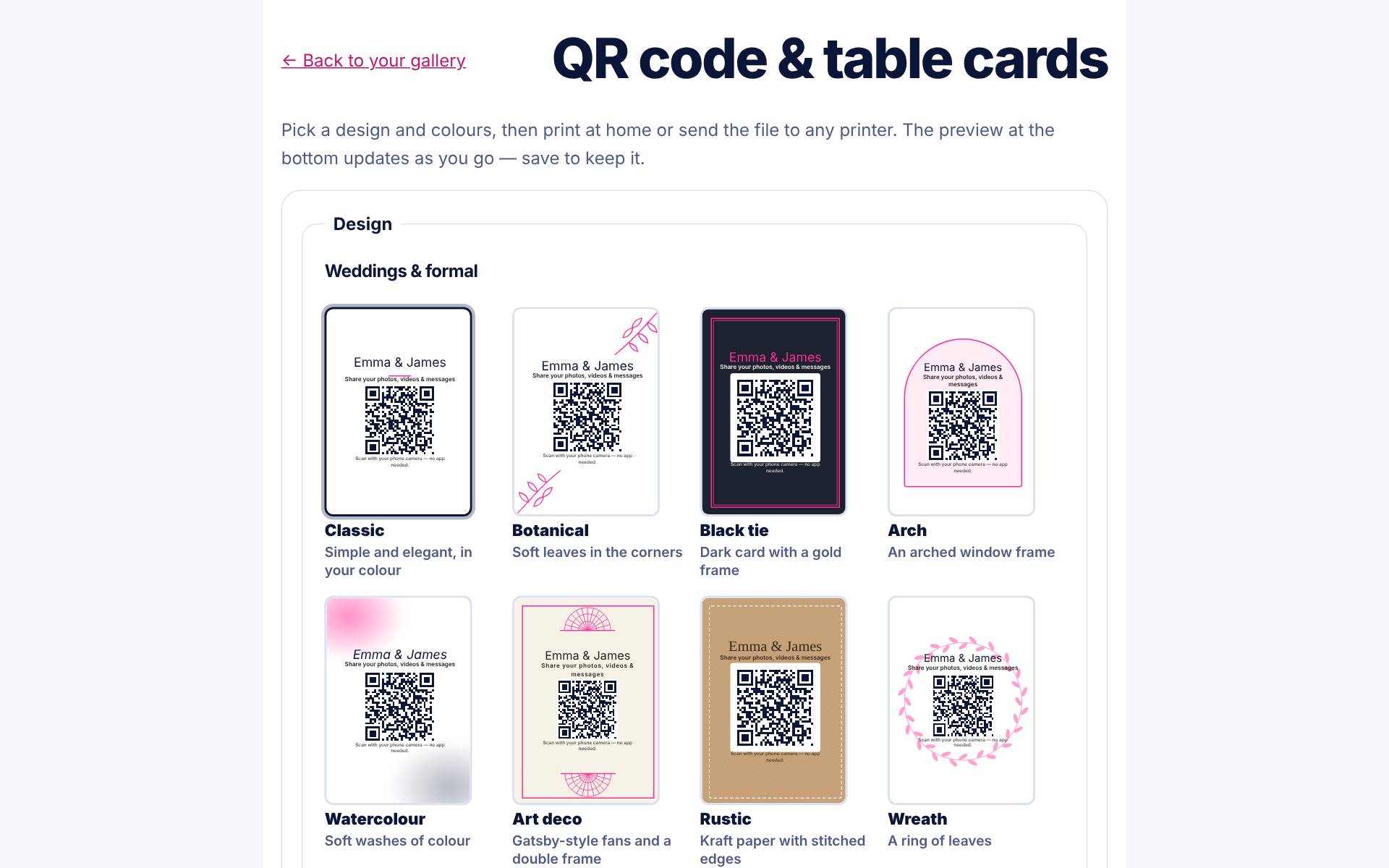
Download table cards, posters and lanyard inserts with your event’s code, or put it on your opening slide. It’s the same code for photos, for EveryExtra LIVE and for the event page.
- Printable designs, or the code on its own for your designer
- A short code to type in, for anyone whose camera won’t scan
Every Poll And Quiz Ready Before The Day
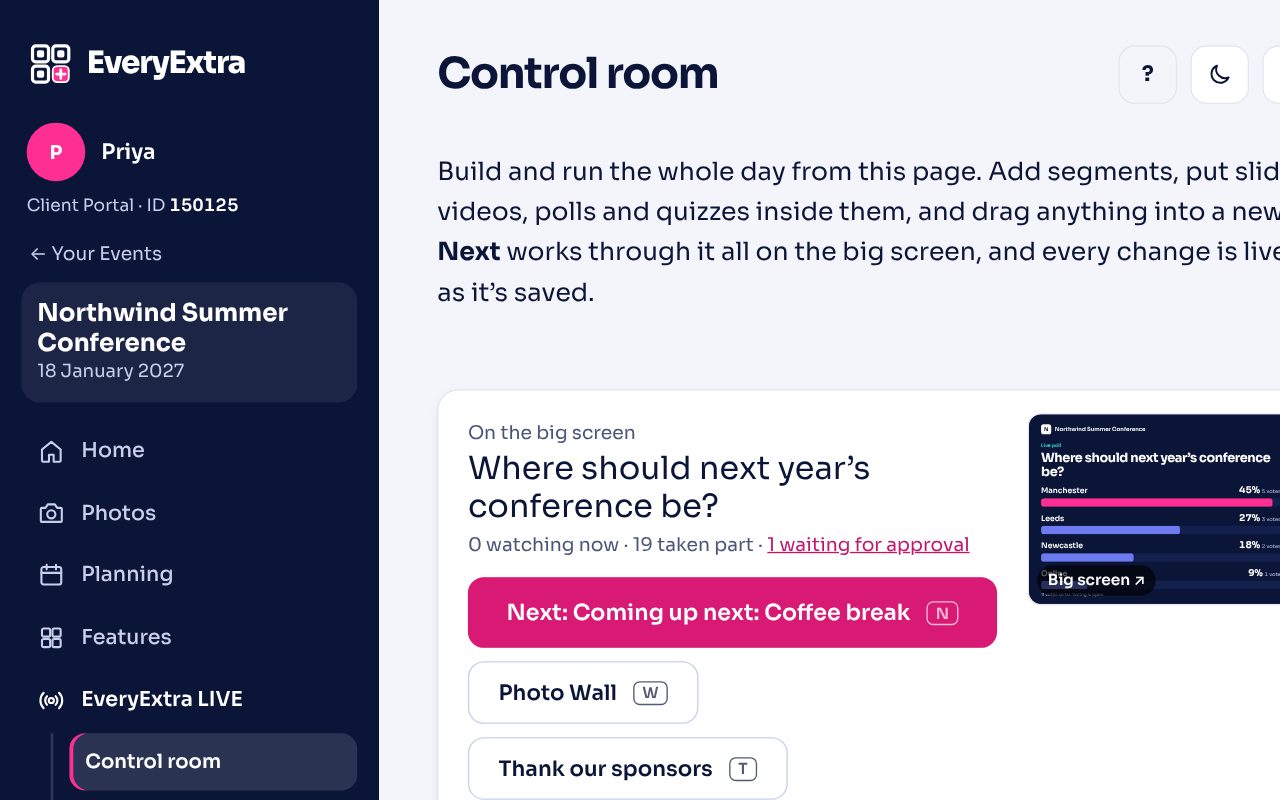
Prepare Q&A for each talk, polls, a word cloud, a quiz and a closing survey. Put them in the running order with the speakers’ slides, so on the day it’s just Next.
- Add photos or videos to any question
- Open each one when you’re ready, or let the clock open it
- Attendees see nothing until you open it
On The Day
The photos, the big screen and the room’s voice, from one QR code.
Every Attendee’s Photos, In Full Resolution
People scan the code and share from their own phones. Photos and videos arrive in one private gallery, sorted into the parts of your agenda, in full resolution with nothing squashed.
- No app and no account for attendees
- Shout-outs and messages alongside the photos
- Hide or remove anything at any time
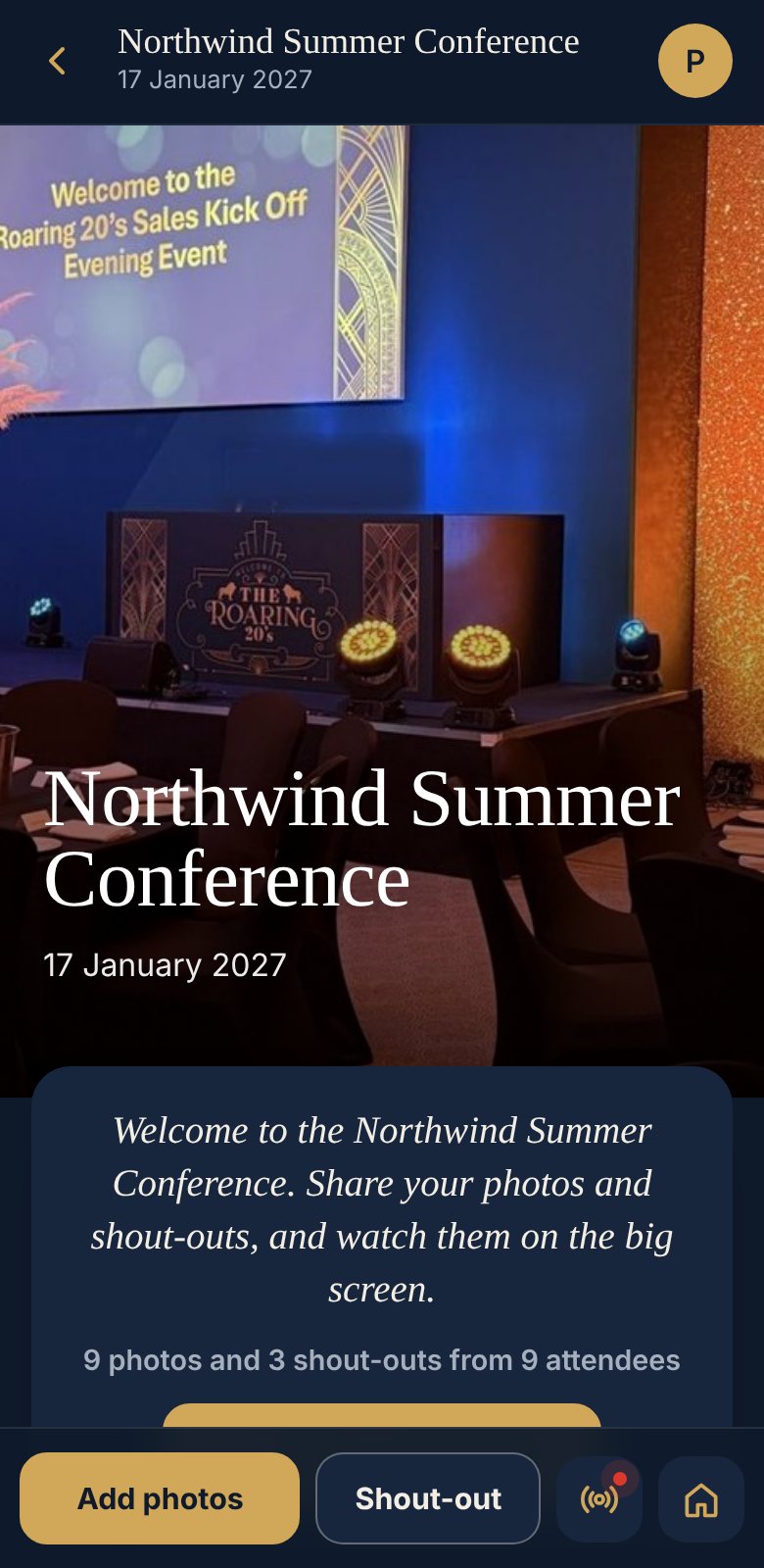
A Live Photo Wall On Any Screen
Open the slideshow on any screen with a browser. New photos appear as they’re shared, with your logo and the QR code in the corner so more people join in.
- Approve first, so nothing surprising goes up
- Messages from attendees shown between photos
- Videos play silently, so they never talk over a speaker
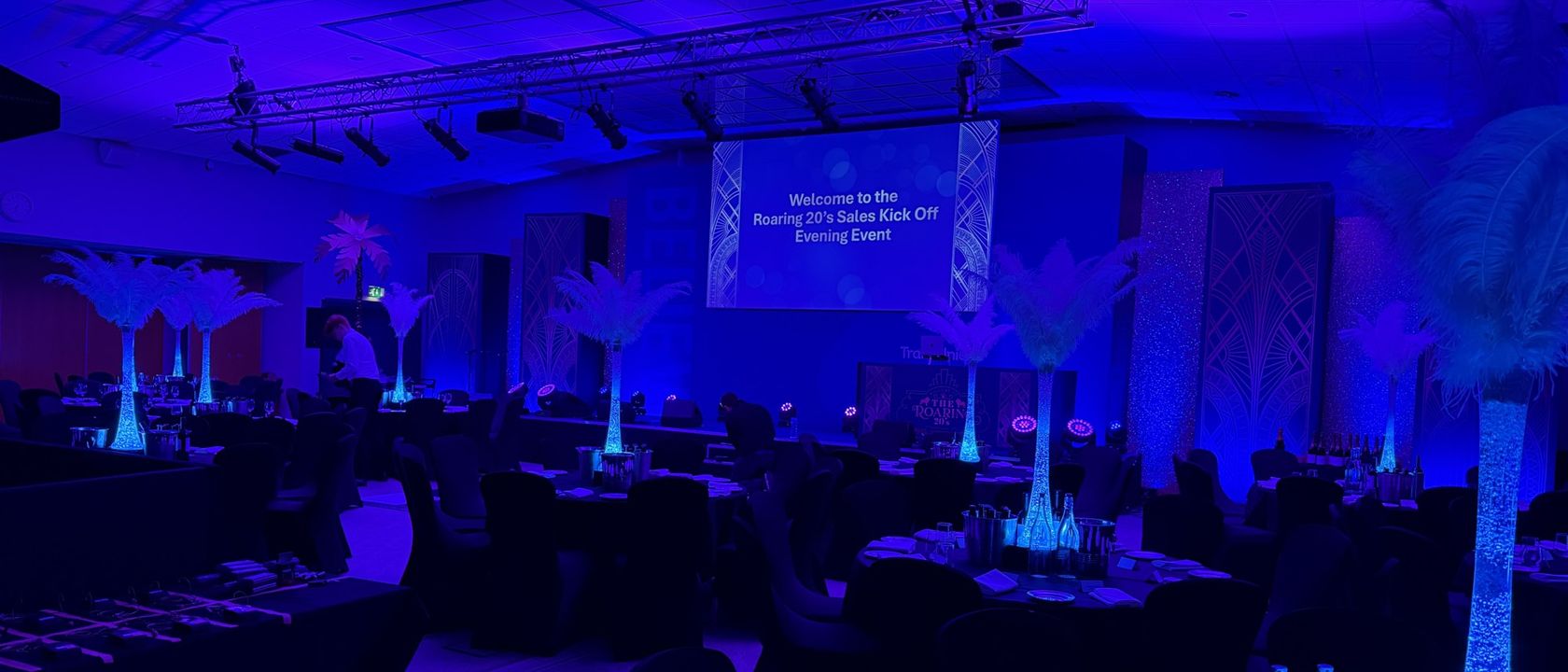

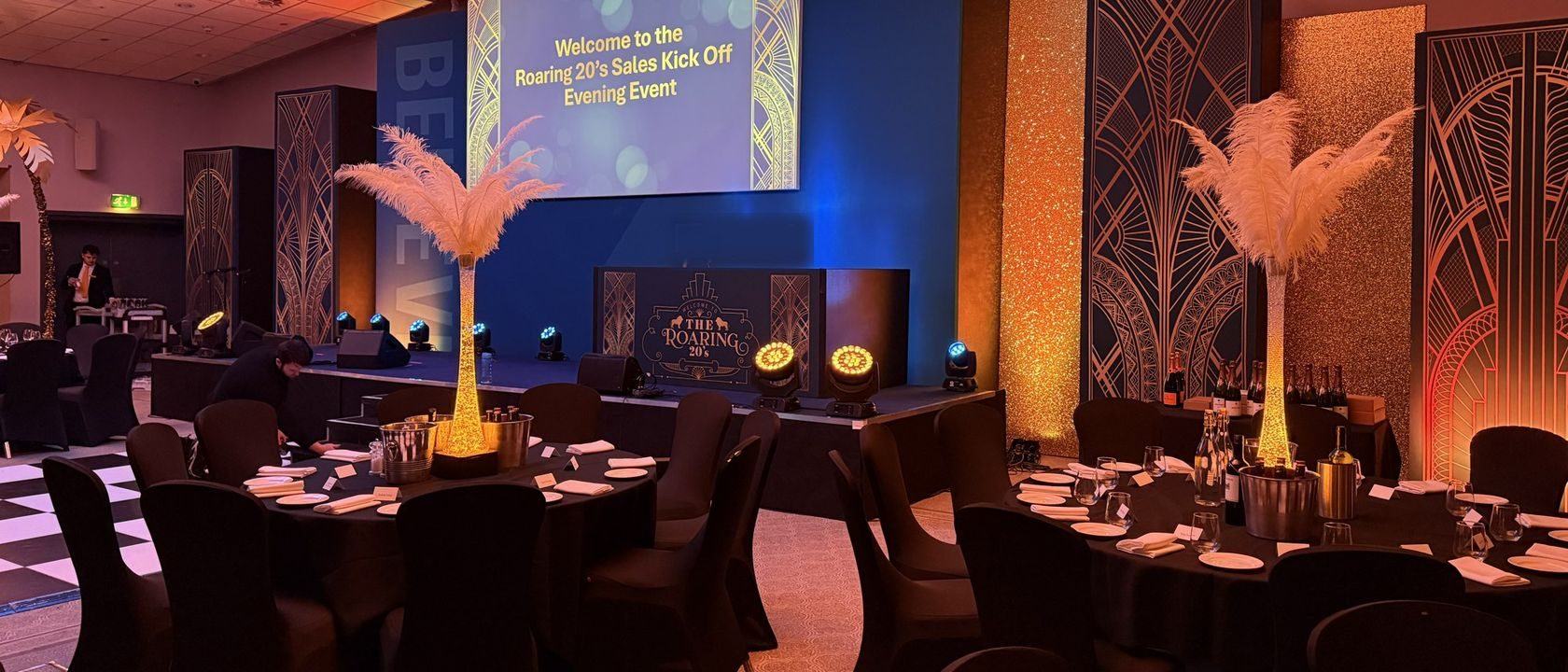
Q&A, Polls And Quizzes From Every Seat
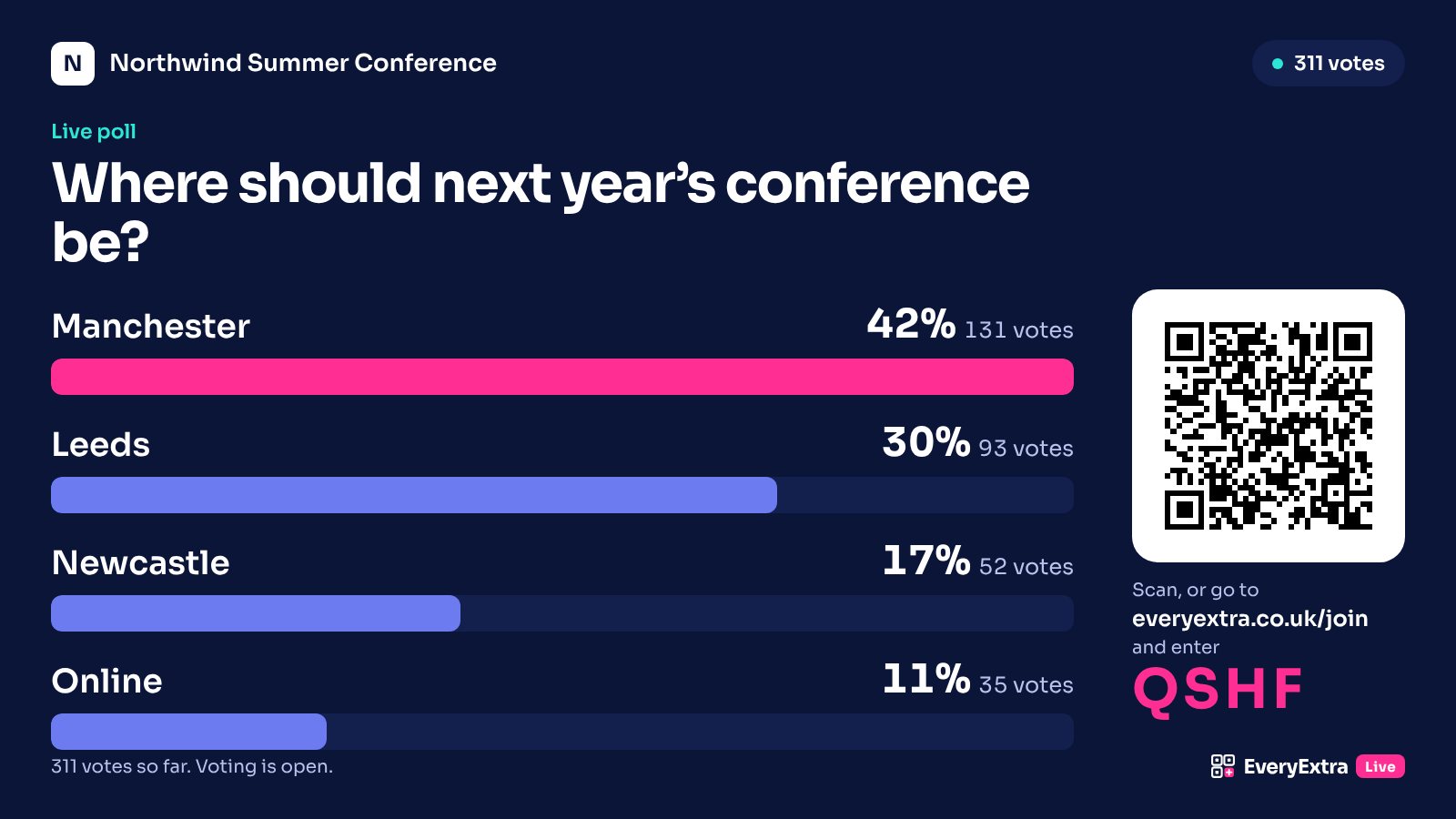
EveryExtra LIVE gives the quiet people in the room a voice. Questions sorted by votes, polls that move as people answer, a quiz with a leaderboard, and awards revealed on the big screen.
- Eight activities, all from the same QR code
- A private link for each presenter
- Rude words always held back for you to check
One Person Can Run The Whole Day
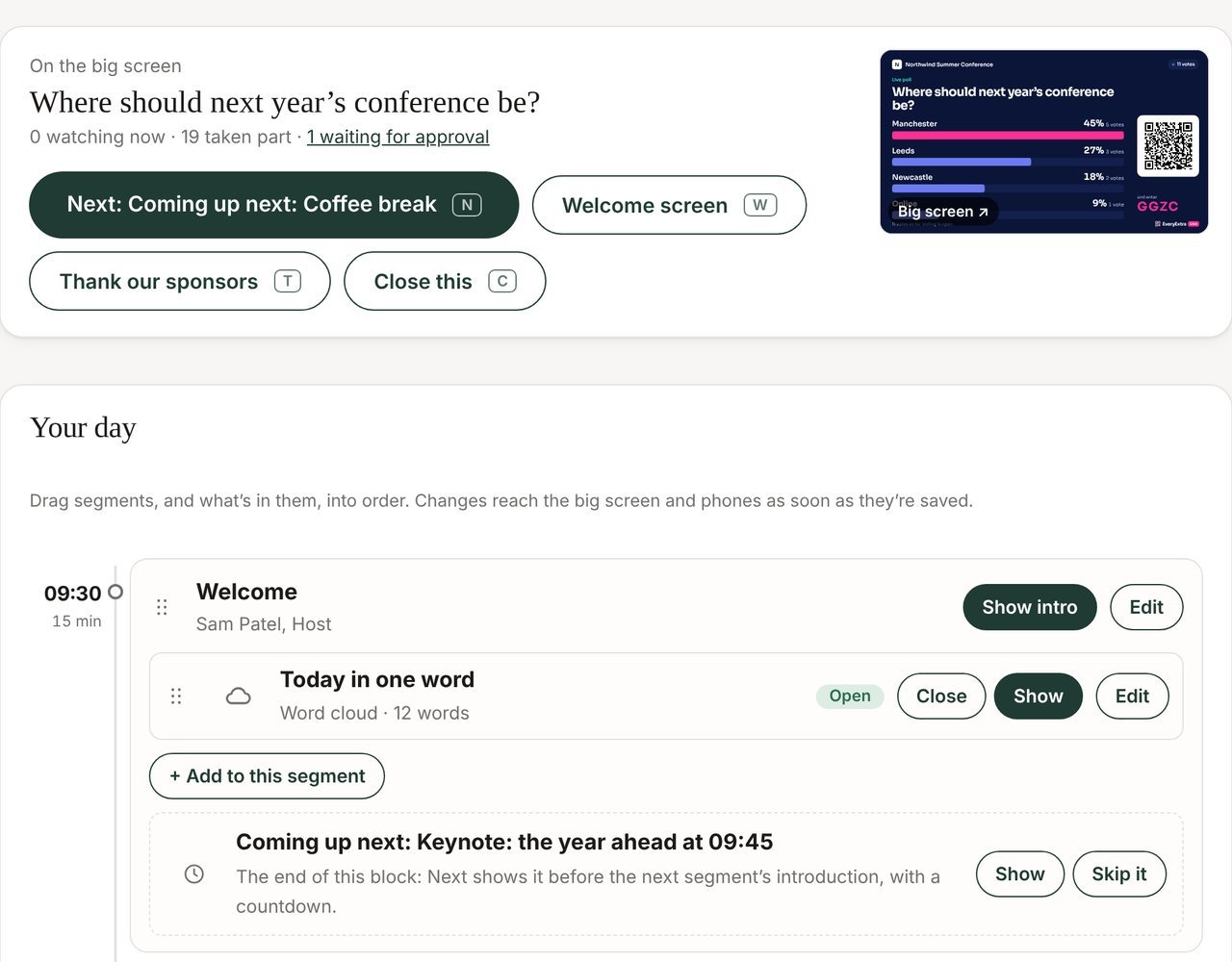
Speakers, slides, videos, polls, breaks and the awards, in one running order. Press Next and the big screen and every phone move on together.
- Announcements to every phone and the big screen
- Countdowns for breaks and “Coming up next”
- A prize draw from everyone who took part
After The Day
What you take back to the office, and what you send to everyone who came.
The Highlights, The Morning After
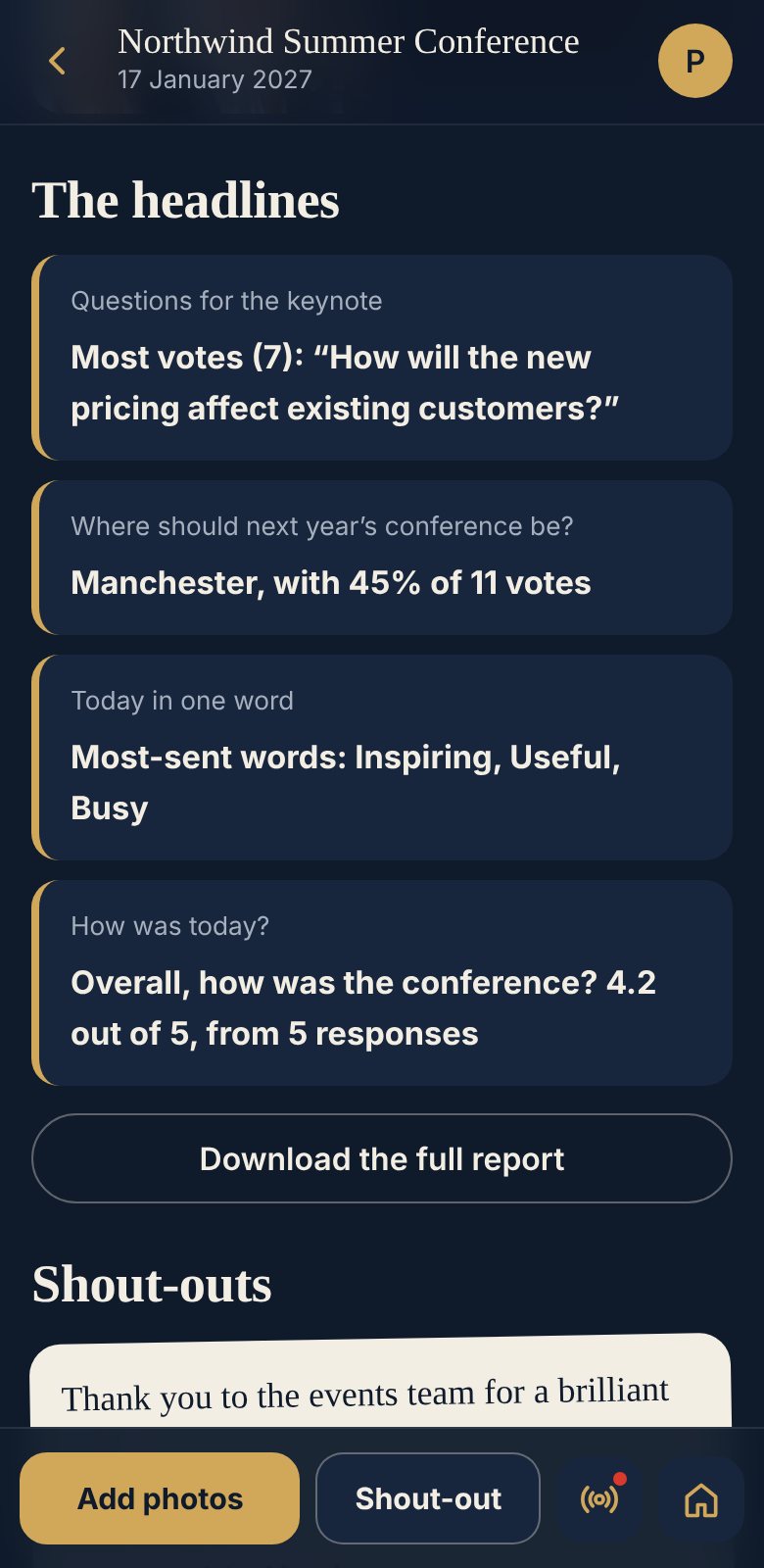
The day after, your gallery becomes the Afterglow: the best photos, the headlines from your polls and Q&A, and the messages people left. Send one link to everyone who came.
- Made for you, nothing to design
- A story people can share, if you allow it
A Report You Can Send The Same Day
Download a designed PDF with the headline figures and a chart for every activity: each poll, the word cloud, the top questions and ideas, the quiz leaderboard and your survey ratings. Every vote and answer is in a spreadsheet too.
- Ready for the sponsor, the board or next year’s budget
- Every vote and answer in a spreadsheet as well
Where should next year’s conference be?
Top questions
- How will the new pricing affect existing customers? 23
- Is the hybrid working policy changing? 17
The People Who Want To Hear From You
Ask for a name and email as people join, with a tick box to hear from you. You choose the wording, and each person’s choice is saved with the words they saw.
- Download as a spreadsheet for your CRM
- Only the people who said yes are marked as yes
Each person’s choice is saved with the wording they saw.
Every File, Kept Safely
Download every photo and video in full resolution. Keep the event online for as long as your package includes, and longer if you need it.
- Full resolution, as the attendee took it
- Deleted with the gallery when you close it
What Are You Running?
Choose your kind of event to see what we’d switch on, and how the evening or the day might run. Mix and match: everything runs from the same QR code. See what each package includes.
Conferences And Exhibitions
Your photographer can only be in one room. Your attendees are in all of them.
How it might run
- 09:30Photo Wall
- 10:00Keynote, with Q&A and a poll
- 12:30Lunch countdown
- 15:30Quiz
- 16:30Closing survey and prize draw
Awards Nights And Galas
The winners, the tables and the dance floor, live on the big screen.
How it might run
- 19:00Drinks: the photo wall
- 19:45Welcome and dinner
- 21:00The awards
- 21:45People’s choice
- 22:00Prize draw and dancing
Product Launches
Reactions and first looks, with the details of guests who want to hear more.
How it might run
- 18:00Arrivals: the photo wall
- 18:30The reveal
- 18:40Word cloud: first reactions
- 19:00Demos and a poll
- 20:00Register your interest
Staff And Christmas Parties
The whole team’s photos in one private place, with nothing posted publicly.
How it might run
- 19:00Drinks: the photo wall
- 20:00Dinner
- 21:00The team quiz
- 21:45Spin the wheel
- 22:00Dancing
Charity Events And Fundraisers
Supporters’ photos and messages, and a list of people who’d like to stay in touch.
How it might run
- 18:30Arrivals: messages and photos
- 19:15The story so far
- 20:00Poll: where the money goes
- 20:30Prize draw
- 21:00Thank you
EveryExtra LIVE: Try It From Your Seat
The phone is yours. The screen is the one at the front of the room. Vote, add a word, back a question, answer the quiz or start the applause, and watch the big screen answer. Other people in the room join in as you go. Nothing you do here is saved or sent anywhere.
Where should next year’s conference be?
Turn on JavaScript to try this here, or open the business demo.
A live poll. Each phone votes once and the bars move as votes arrive.
Want the real thing? The business demo opens a sample conference with every activity ready to run, the Control room and the big screen.
Everything Included
The essentials, on every business package.
Every Photo, In One Gallery
Attendees share from their own phones, in full resolution. Nothing to download and no account to make.
Your Logo On Everything
Your logo on the gallery, the big-screen slideshow and the QR code cards.
Contact Details, Collected Properly
Ask attendees for their name and email as they join, with a tick box to hear from you. Download the list as a spreadsheet.
You Approve What’s Shown
Check each photo before it appears on screen or in the gallery, and remove anything at any time.
A Live Slideshow
Put the gallery on any screen with a browser. New photos appear as they’re shared.
Event Page And Registrations
An event page with the agenda, venue and map, and invitations with replies if you need them.
Buying As A Company
Built for purchase orders, finance teams and IT questionnaires.
Pay By Card Or By Invoice
Give us your company details and a purchase order number and we’ll send an invoice to pay by bank transfer.
One Organisation, Several Events
Add your colleagues once and they can run every event. All your invoices are in one list.
Several Events A Year?
A multi-event package gives each event its own gallery at a lower price each.
Paperwork Ready
Ask us for our data processing agreement and security summary for your IT or legal team.
Three Steps
Create Your Event
Choose the type of event, add your logo and decide whether to approve photos first.
Show The QR Code
On table cards, lanyards, slides or a sign at the door.
Download Everything
Every file in full resolution, and your contact list as a spreadsheet.
Everything It Uses
Every feature shares the same link and the same guest list.
Photo & Video Sharing
Wedding photo & video sharing that starts with the QR code on each table.
EveryExtra LIVE
EveryExtra LIVE gives your business event live Q&A, polls and quizzes in the same gallery your attendees already scan for photos.
Afterglow: The Story Of Your Day
Afterglow turns every photo, video and message your guests shared into a keepsake you’ll come back to: a highlight reel, your day hour by hour, the guestbook and the photos everyone loved most.
Live Slideshow
Put the live wedding photo slideshow on the venue screen or projector.
QR Code Cards & Signs
Design QR code table cards from 20 designs, from black tie and botanical to neon and confetti, set your colours and add your logo.
Download & Keep Forever
Download your wedding photos and videos in full resolution, or copy them all to your own Google Drive in one click.
Guides For Business Events
Event Photo Sharing For Conferences And Launches
Event photo sharing for conferences and launches: where to show the QR code, how to check what’s shown on screen, and what to do with the photos after.
Read the guideCollecting Guest Details At A Business Event, The Right Way
Collecting guest details at a business event the right way: what to ask, how to word the opt-in, what UK rules expect, and the mistakes to avoid.
Read the guideYour Questions Answered
How is this different from a hashtag?
Photos come to you in full resolution, in private, including from people who would never post publicly. You decide what’s shown and what’s kept.
Who owns the photos?
Attendees keep the rights to what they take. By sharing, they let you use it in the gallery and slideshow. If you plan to publish photos elsewhere, say so on your signs and ask first.
Is collecting contact details allowed?
Yes, when people choose to give them and you say what they’re for. The tick box wording is yours to edit, and each person’s choice is saved with the wording they saw.
Can we pay by invoice?
Yes, on business packages. Add your company details and a purchase order number, and pay by bank transfer.
We run events all year. Is there a subscription?
Yes. A business subscription, paid monthly or yearly, gives your team a set number of events a year with one payment, and EveryExtra LIVE on the bigger plans. See the Business events tab on our pricing page.
Do you work with event agencies?
Yes. Event agencies, photographers, videographers, photo booth companies, DJs and planners can all sell it under their own brand through our partner programme.
Every Attendee’s Photos. Your Logo On The Screen.
Tell us about it and we’ll reply with a price, usually within one working day.
Rather be shown round? Book a 30-minute demo with Wayne, the founder.