Proposals and contracts · EveryExtra HQ
Wedding Proposal & Contract Software Couples Sign On Their Phone
Wedding proposal & contract software that builds a priced proposal from your packages and price list in minutes. The couple opens a page in your branding, chooses, accepts, signs and pays the deposit, and you see each step as it happens.
Part of EveryExtra for venues. See plans or download the brochure (PDF).
The Week Between “We Love It” And The Deposit
After a good viewing, the couple is as keen as they’ll ever be. Then the quote takes three days to write up as a PDF, the contract goes in the post, and the deposit waits for a bank transfer someone has to check for.
Every day in that gap is a day for another venue to reply faster. HQ closes it: the proposal can go the same afternoon, and accepting, signing and paying are three taps on the page they’re already looking at.
How It Works
The real screens, step by step. It moves on by itself; tap a step to stay on it.
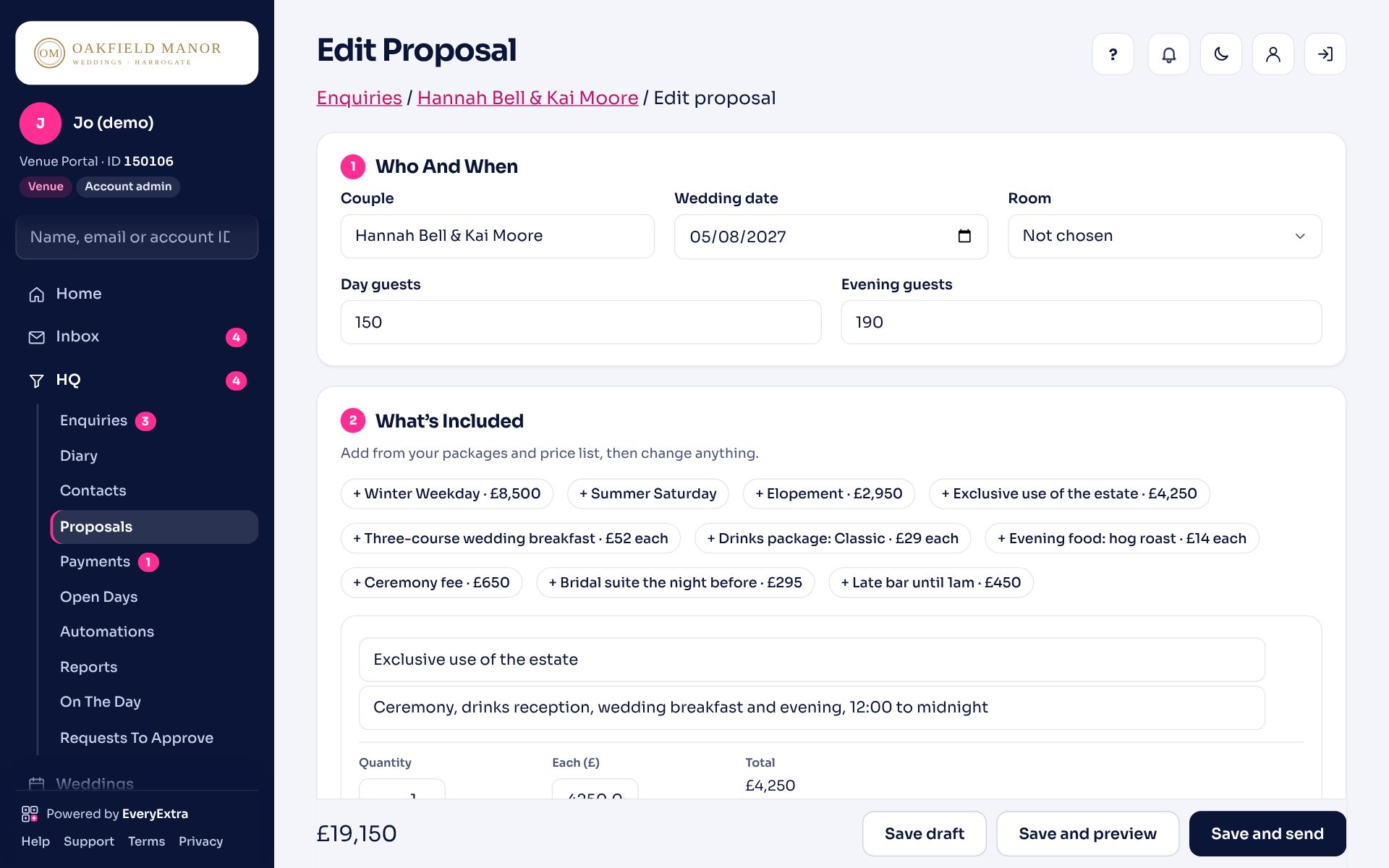
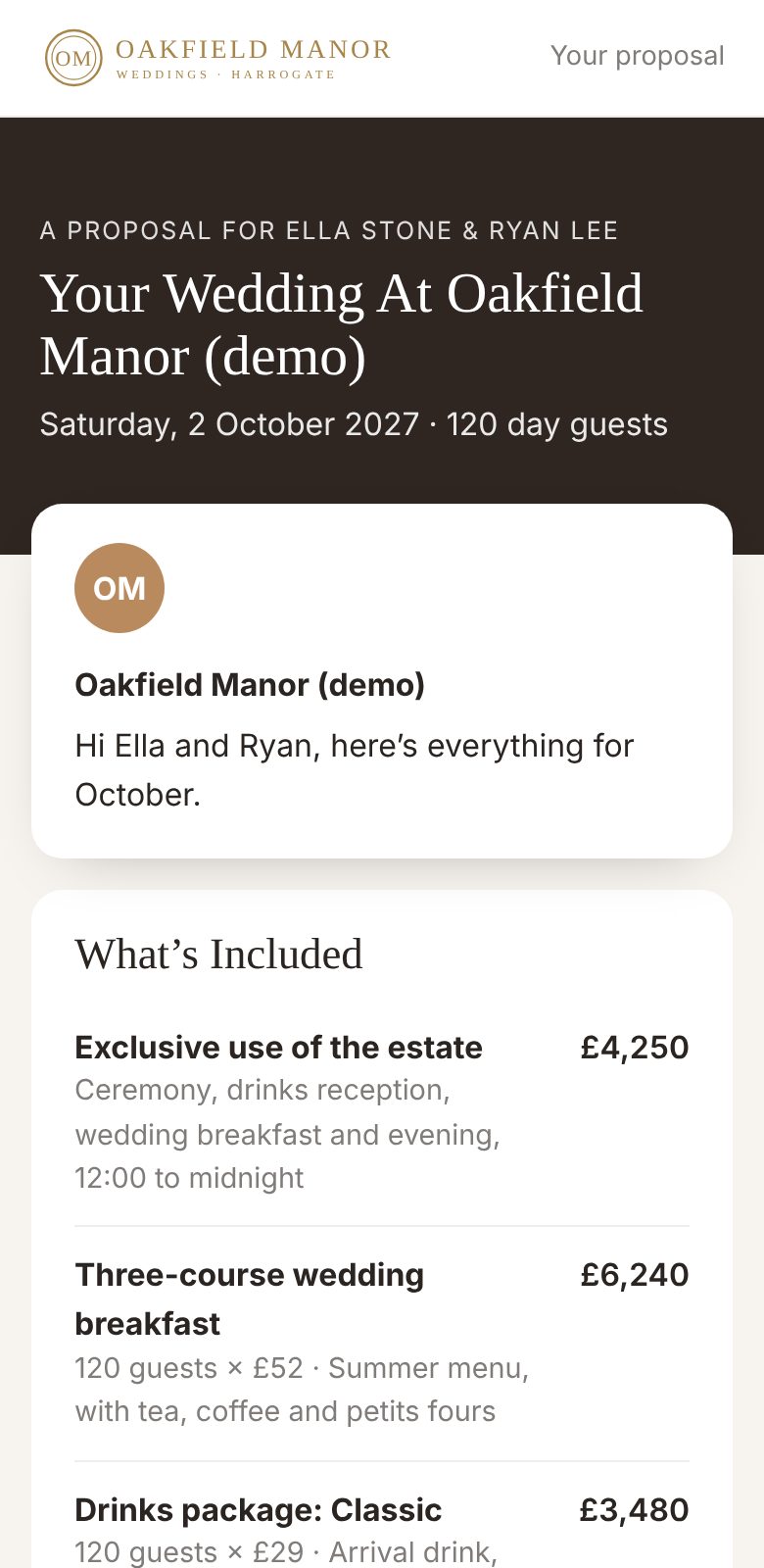
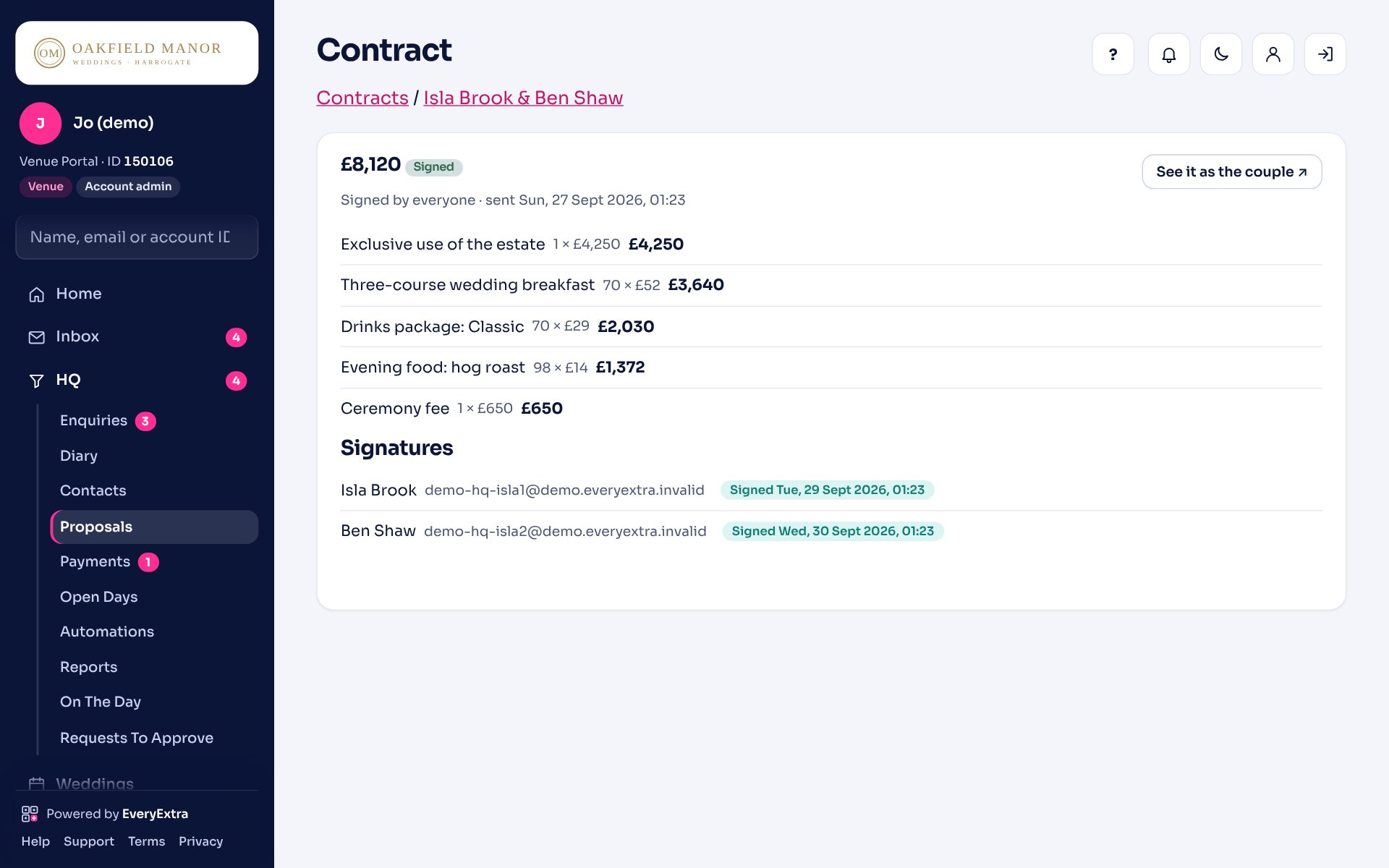
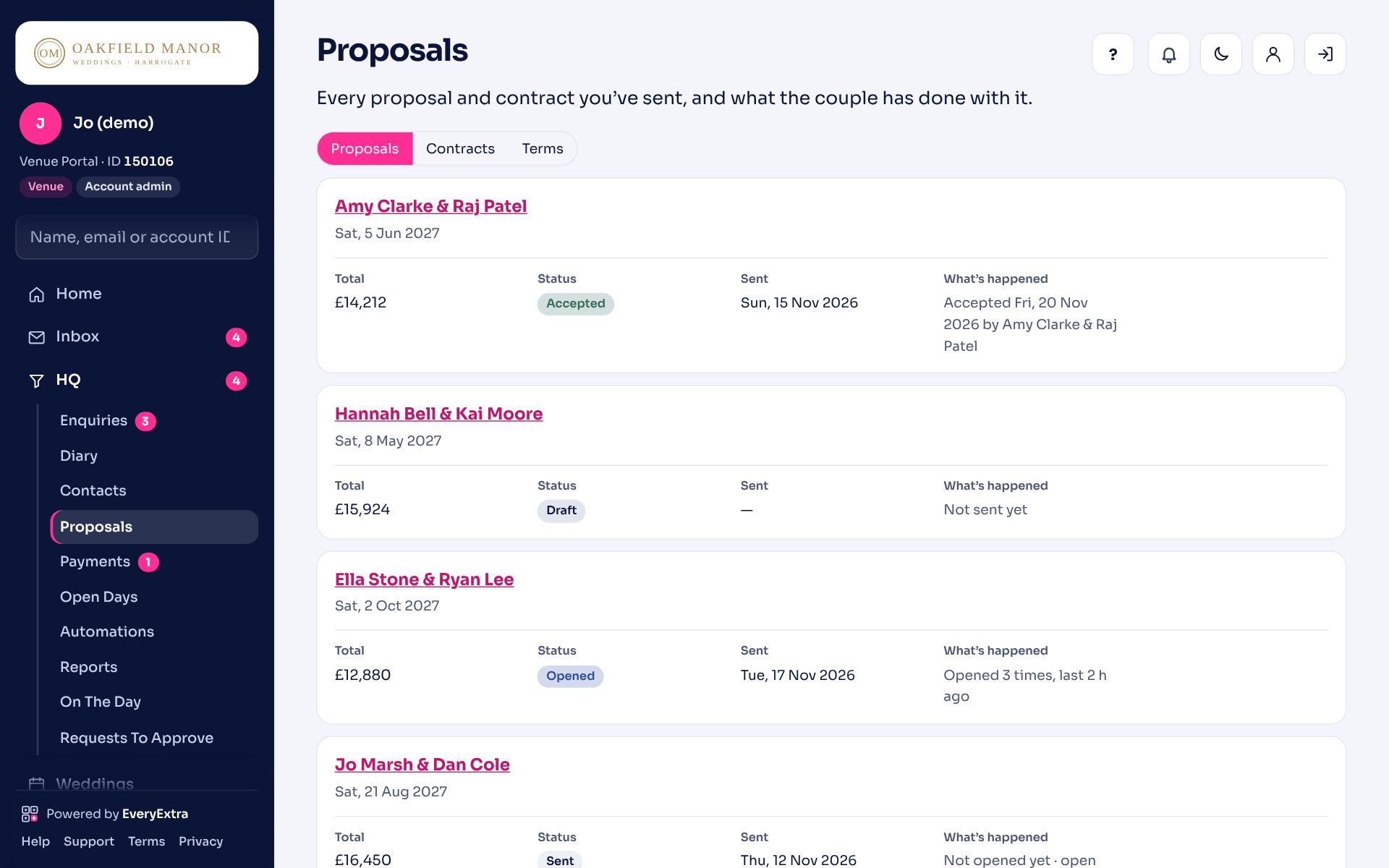
Who Uses It
Sales Managers
Send a proposal while the couple is still in the car park, and know the moment they open it.
Couples
A clear price, their choices, and one place to say yes, on the phone they already have in their hand.
Finance
The deposit lands in your own Stripe account or by bank transfer, and the payment schedule fills itself in.
Compared With How Venues Do It Now
| Situation | Spreadsheets and email | A general CRM | EveryExtra HQ |
|---|---|---|---|
| Writing the quote | Copy last month’s PDF and change the names | A template, with prices typed in | Built from your packages and price list, with the sums done |
| Knowing if they’ve read it | You don’t | Sometimes, for email opens | You see when the proposal is opened |
| Offering a choice of packages | Three PDFs | Not built for it | Up to three packages and optional extras on one page; their choices set the price |
| Signing | Print, sign, scan, post | A separate e-signature subscription | Both partners sign on their phones |
| The deposit | Bank details in an email | A separate payment link | Paid online on the same page, or by bank transfer |
See EveryExtra HQ In A Minute
From the first enquiry to the last dance.
Questions
Are the contracts signed properly?
Each partner signs separately on their own phone, with their typed name and a drawn signature. We keep when, where from and on what device, with the exact wording they signed.
Where does the deposit go?
Into your own Stripe account, or by bank transfer to your own bank. EveryExtra doesn’t hold your money.
Can we use our own wording and branding?
Yes. The proposal carries your logo, colours and photos, and you choose from five designs. Contract terms are yours.
Can the couple change their mind about extras?
If you let couples choose, they can switch optional extras on or off before accepting, and the total updates in front of them.
The Rest Of EveryExtra HQ
Each part shares the same record for every couple, so nothing needs joining up.
Enquiries And Diary
Every enquiry on one board, with an owner and a next step.
Payment Schedules
Deposits, instalments and balances, with reminders that send themselves.
Planning Each Wedding
One plan for the couple, their planner, your team and every supplier.
Running The Day
Kitchen, bar and floor team in step, live, from a phone.
Open Days
Bookings, check-in and follow-up for open days and evenings.
Everything For Venues
The whole system, the plans and what every couple gets from you.
Run Your Venue From One Place.
Register in a few minutes. We’ll check your details and email you when you’re live.
Rather be shown round? Book a 30-minute demo with Wayne, the founder.